Guide · 4 steps
Answer Ember’s questions
Ember flags things worth your attention, and asks when it isn’t sure: a new regular payment, a big credit, a charge that looks doubled. You’ll find them beside the chat box on Home.
Step 1: Open “worth a look”
On Home, tap N worth a look beside the message box.
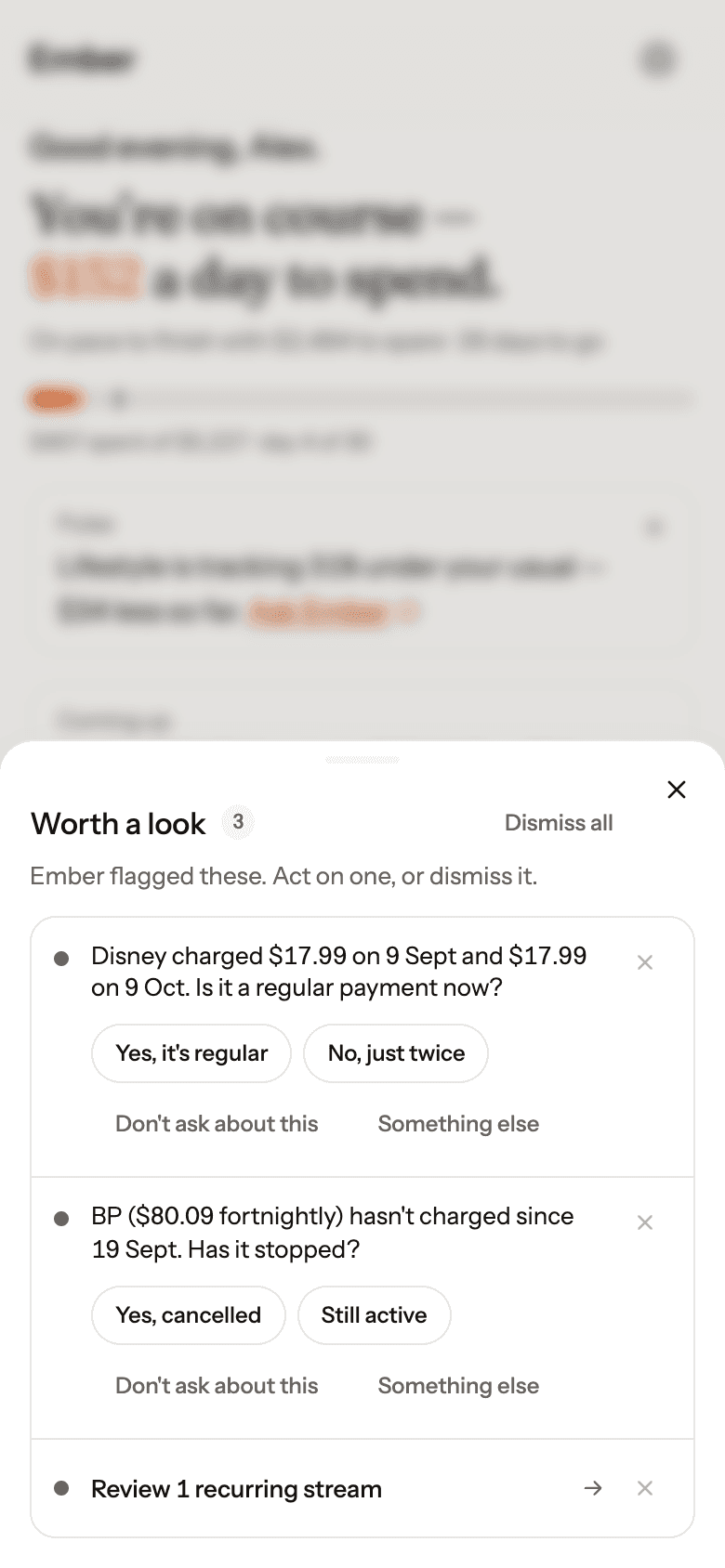
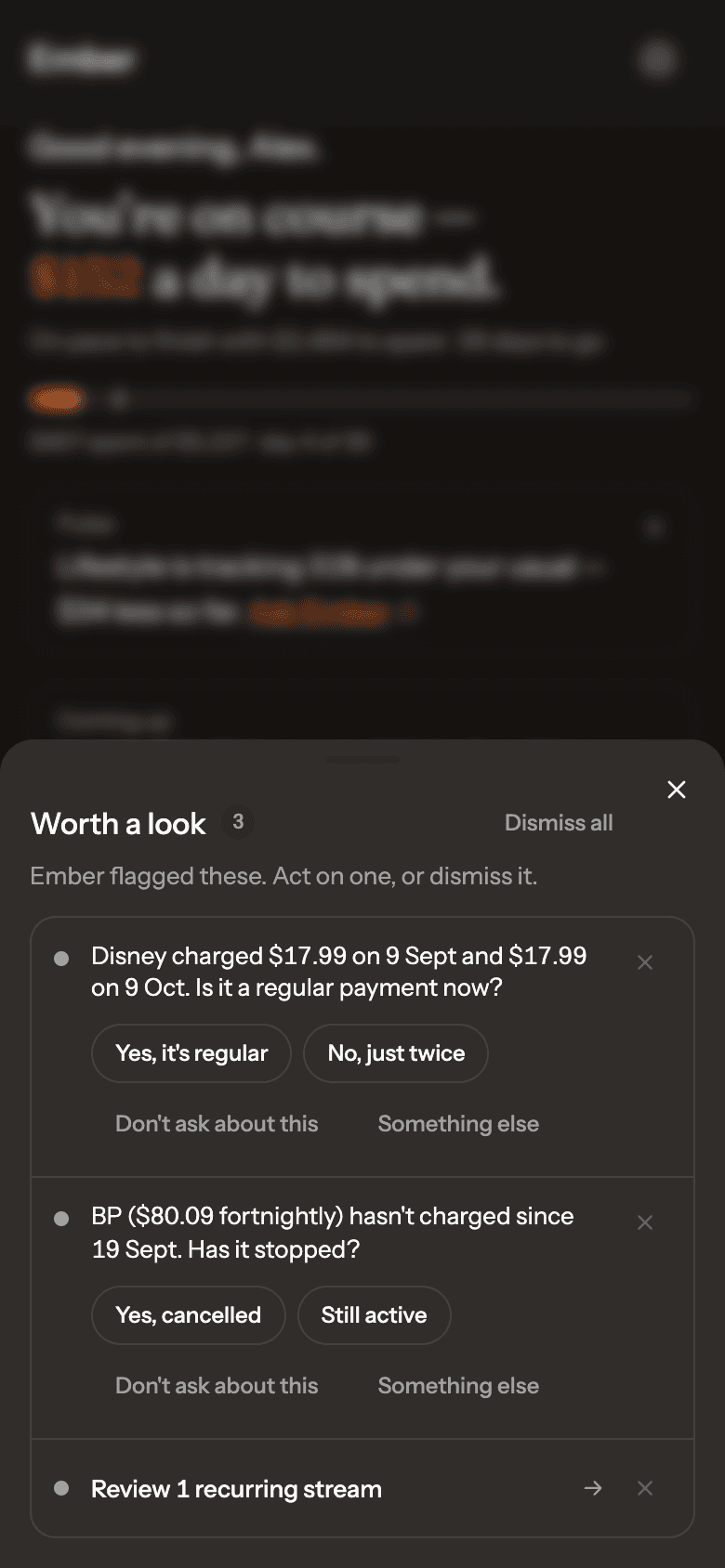
Real Ember screen · sample household Step 2: Tap an answer
Each answer does the real thing: marks a transfer, stops tracking a cancelled subscription, keeps a one-off out of your usual. Ember won’t ask the same question twice.
Step 3: Not sure, or not relevant?
Something else opens a chat about it. Don’t ask about this stops similar questions.
Step 4: Clear the rest
Dismiss items one at a time, or use Dismiss all.