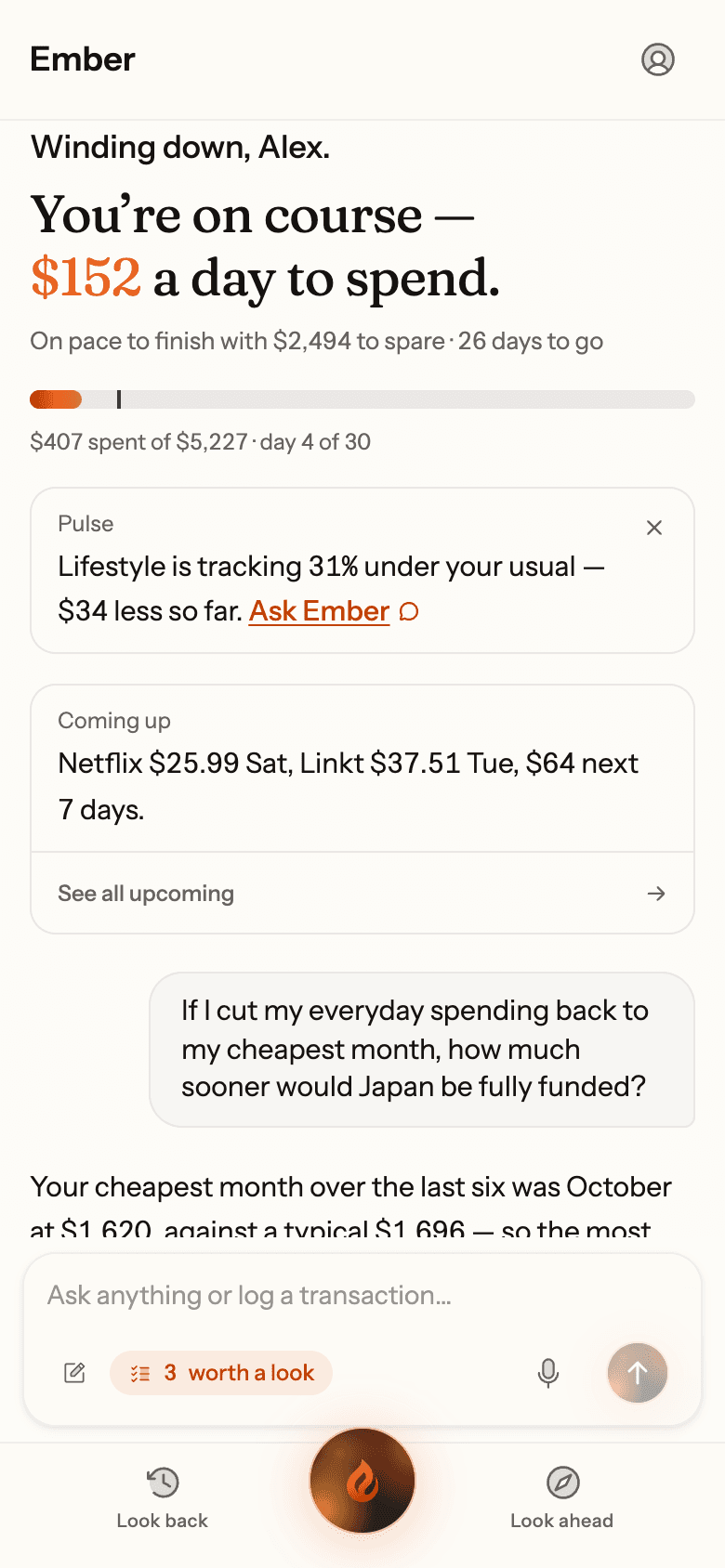
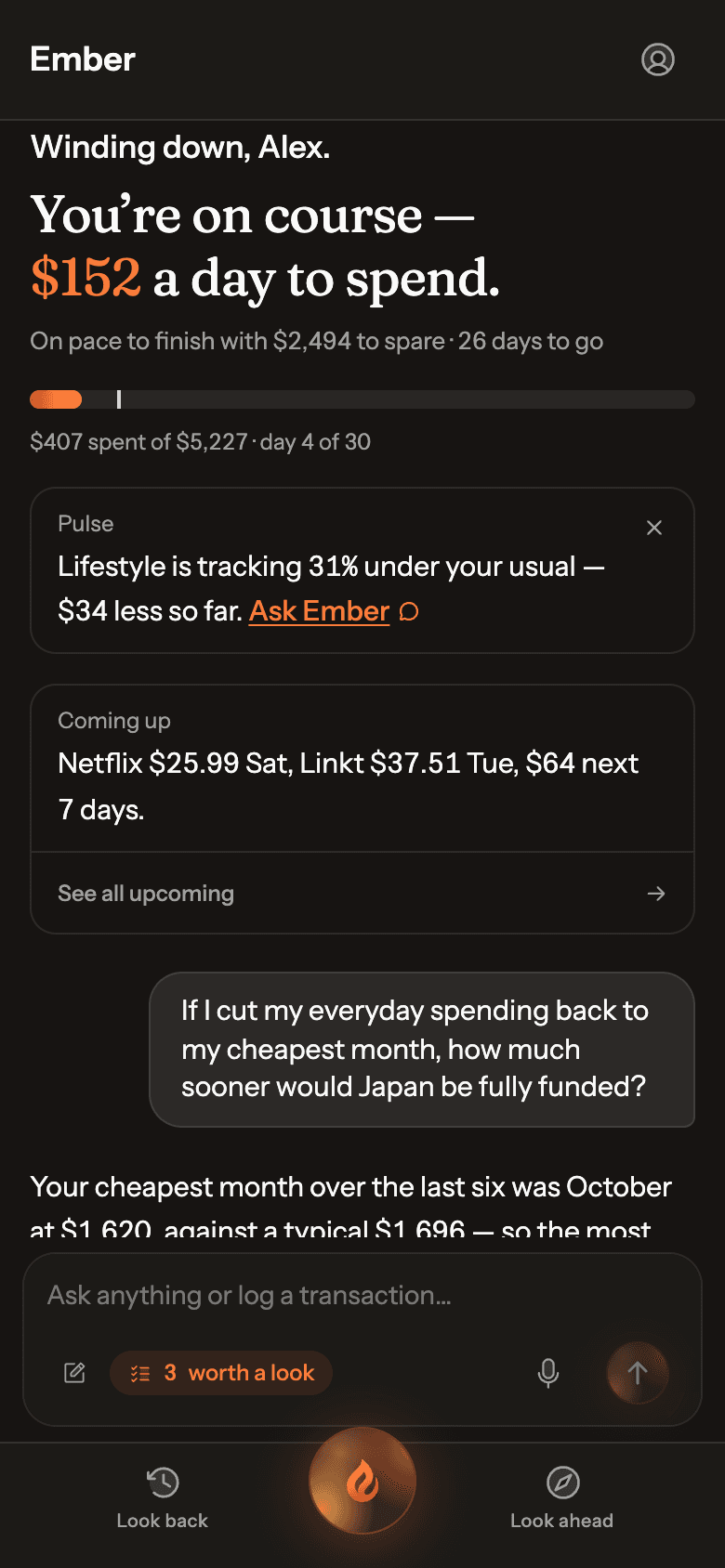
One intelligence, working for you
Everything Ember does starts with knowing your money.
Every screen on this page is a real capture of the Ember app.
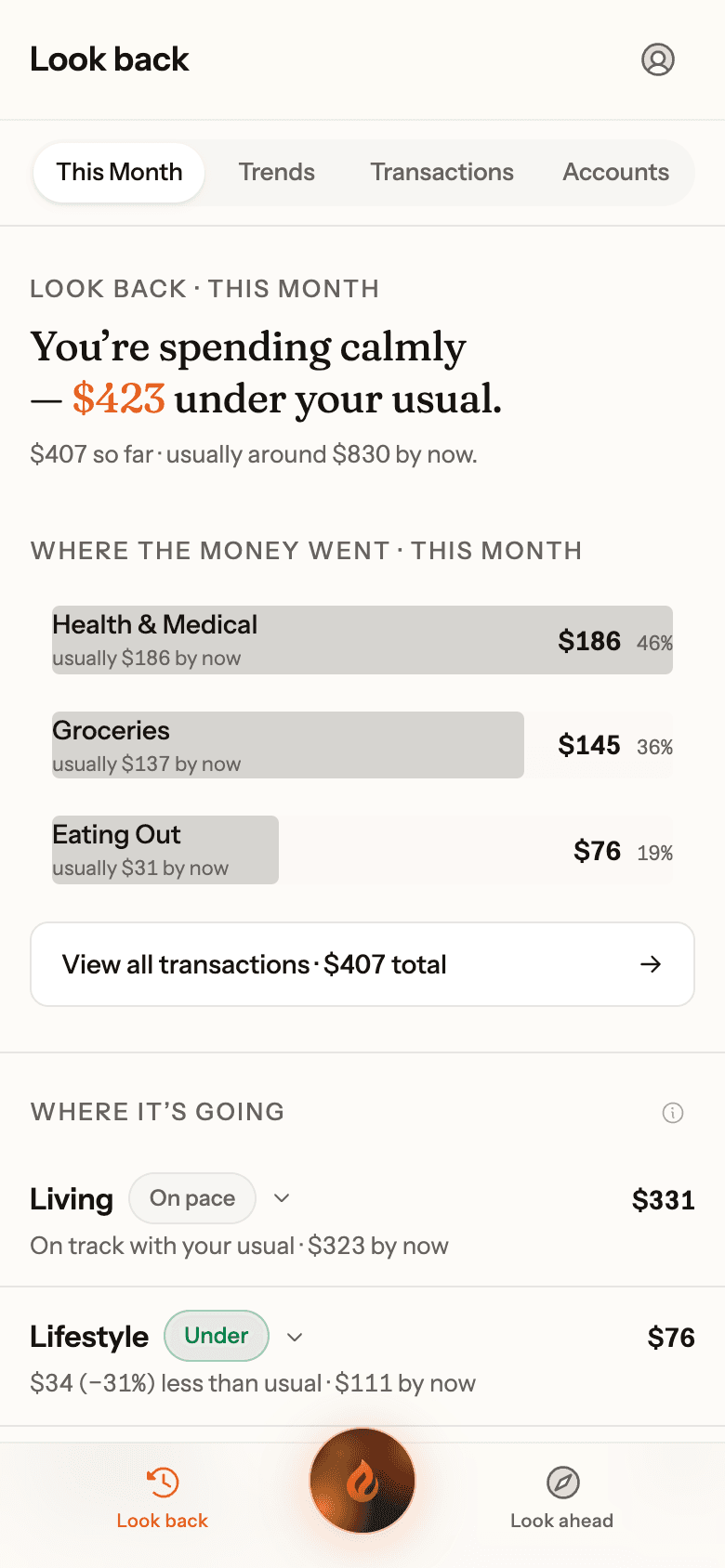
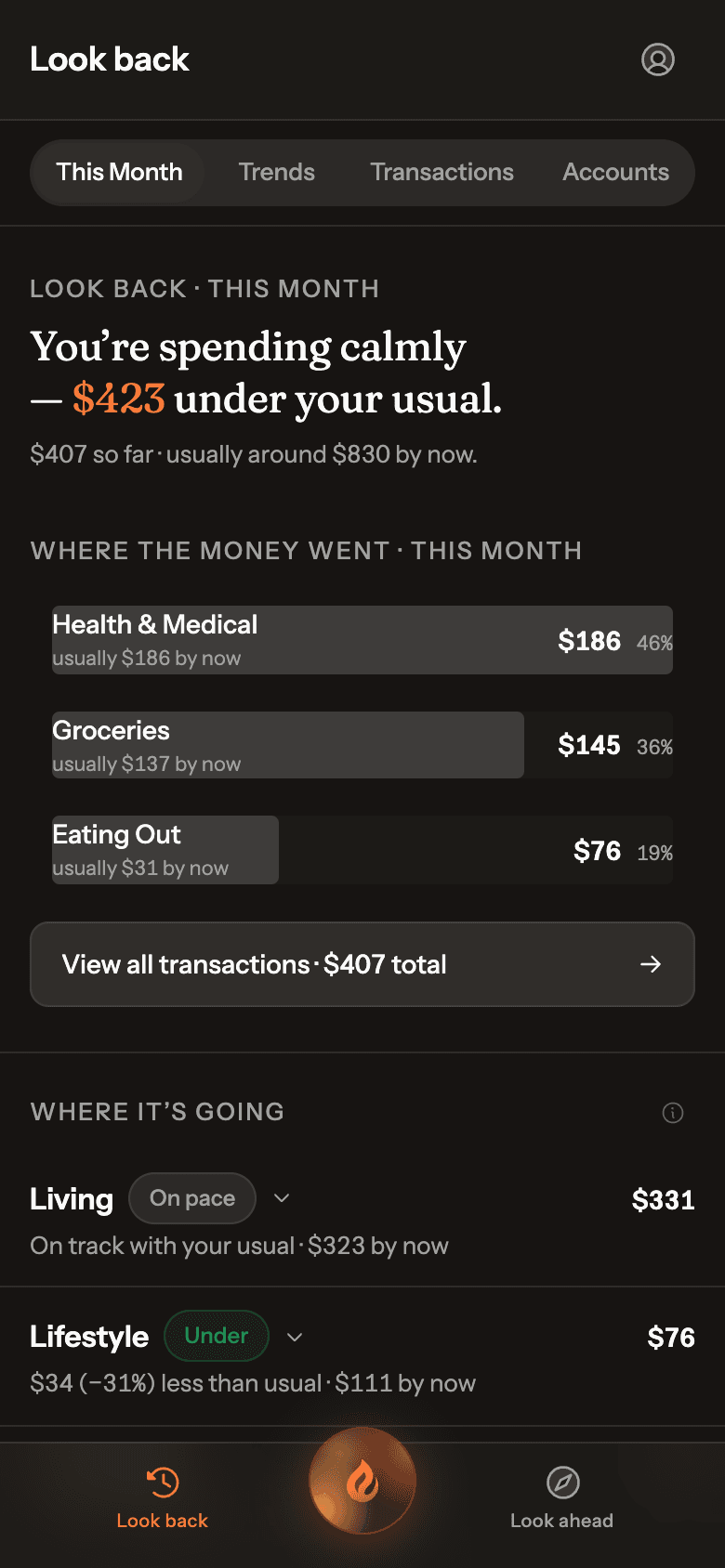
Learns your normal
It knows what normal looks like for you.
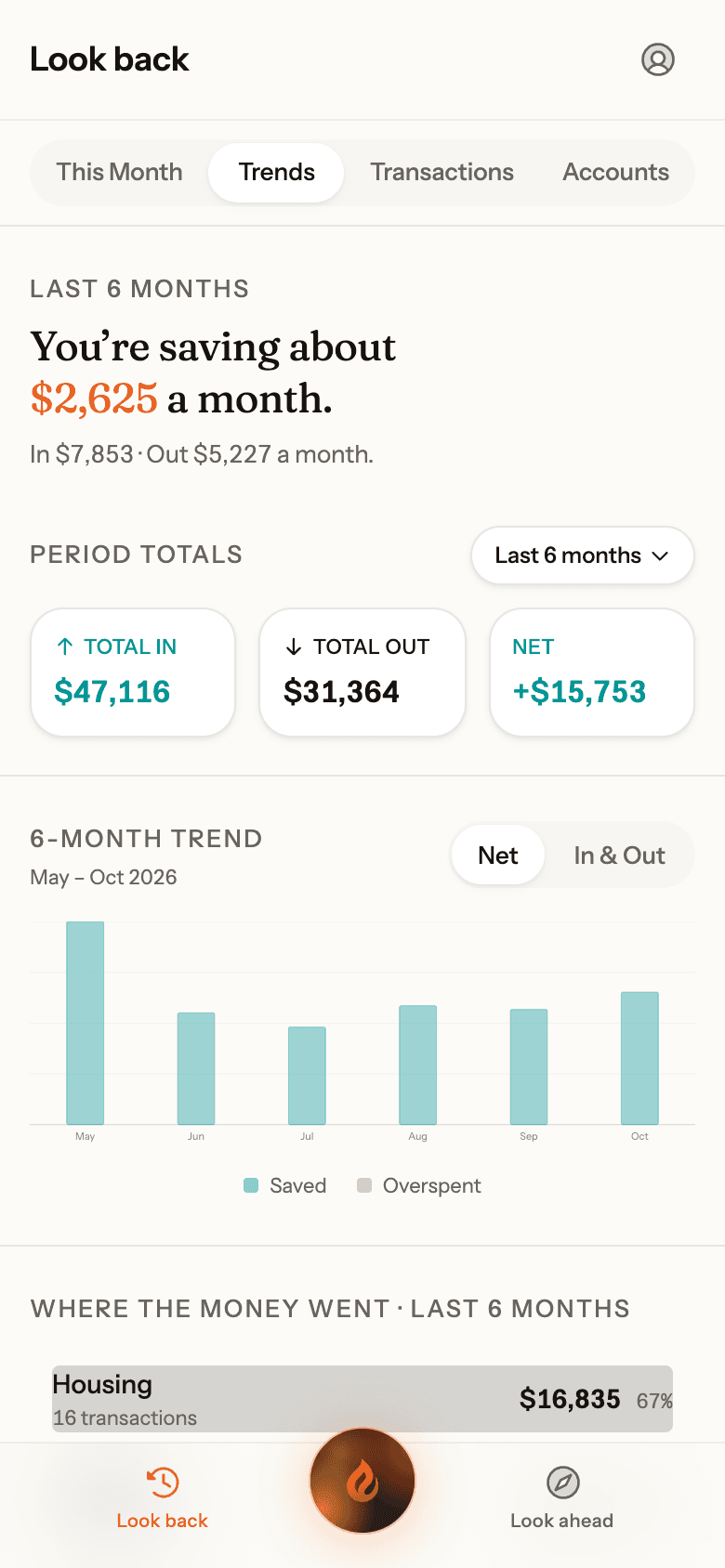
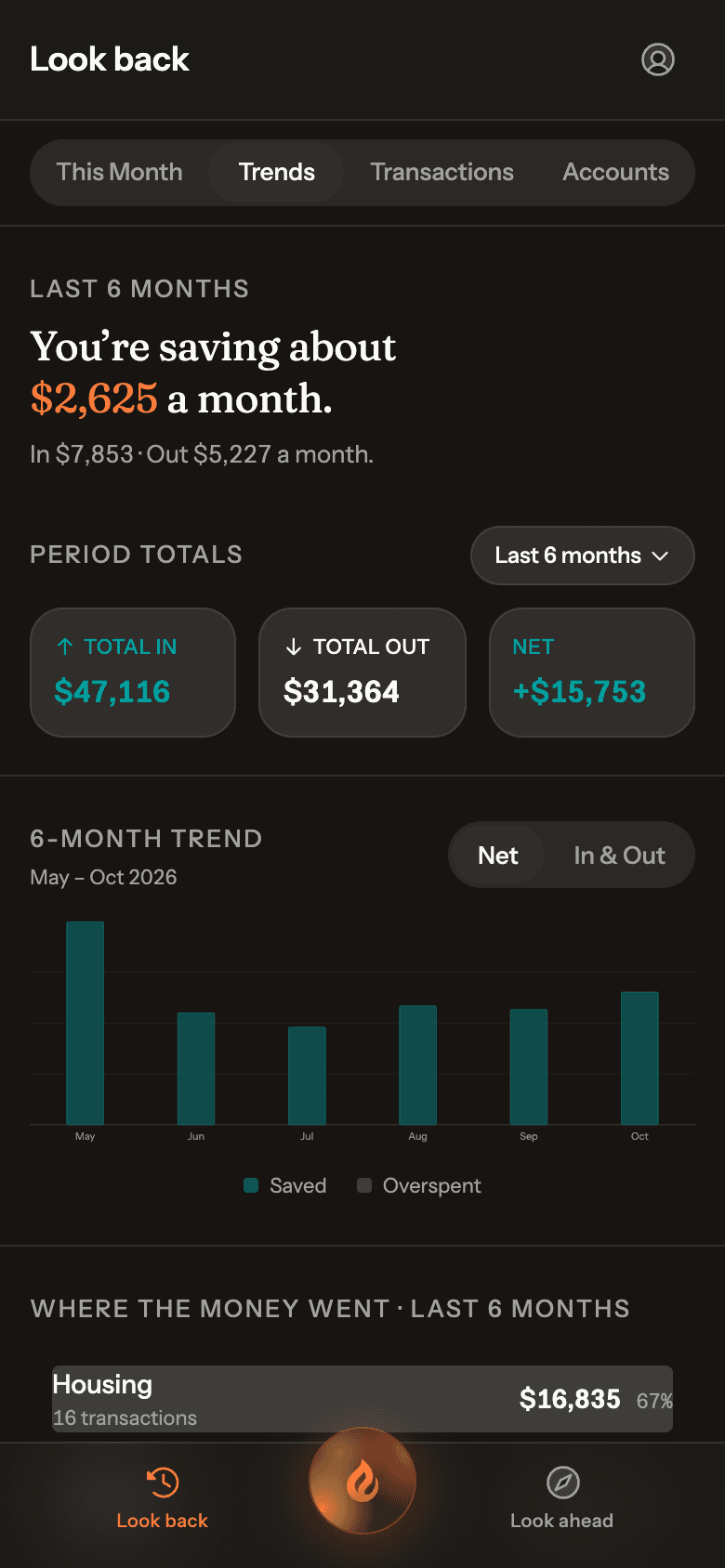
No budget to set up. Ember learns your usual spending from your own last six months, then tells you whether this month is ahead, behind or right on track, by category and overall.
- Compared at the same point in the month, so early bills don’t look like overspending
- Uses your typical month, so one big month doesn’t skew it
Sees what’s coming
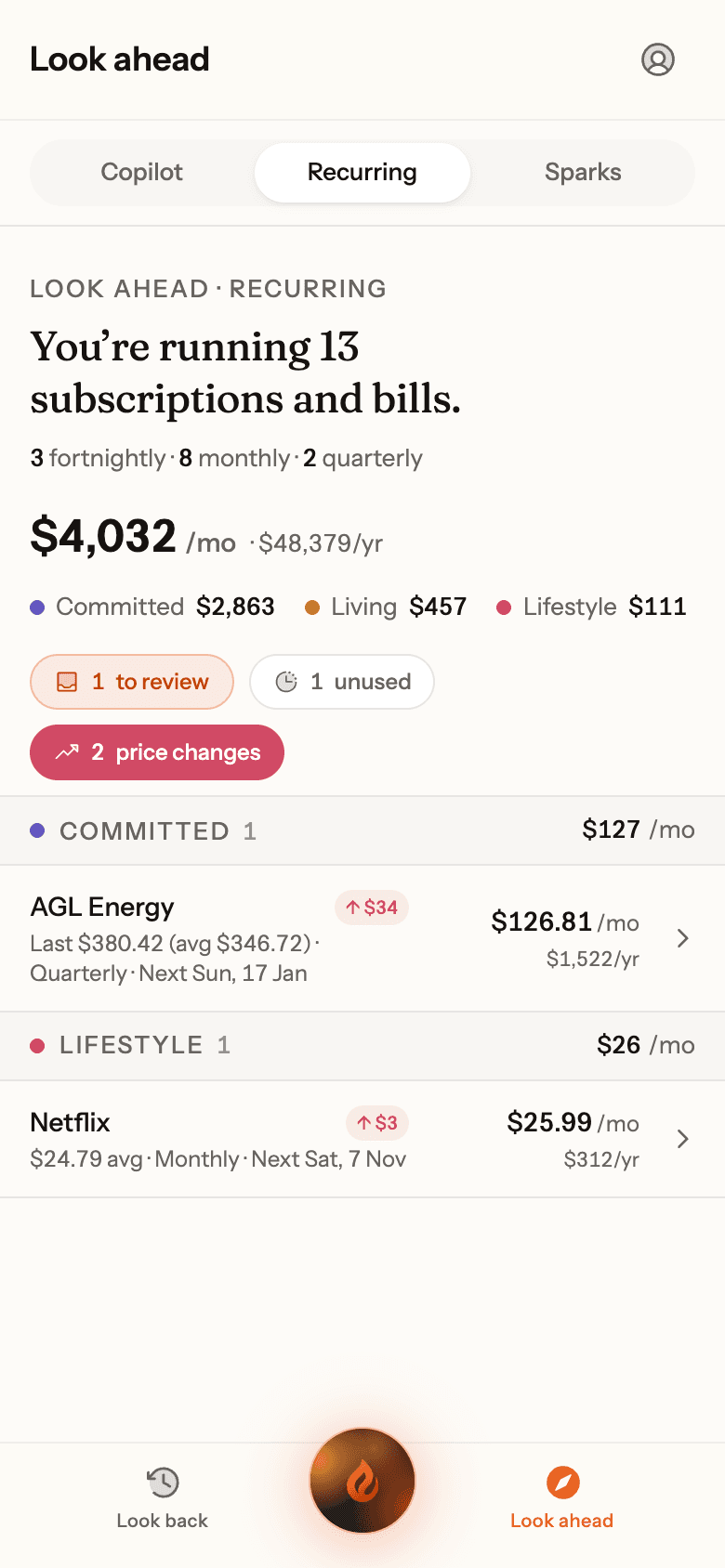
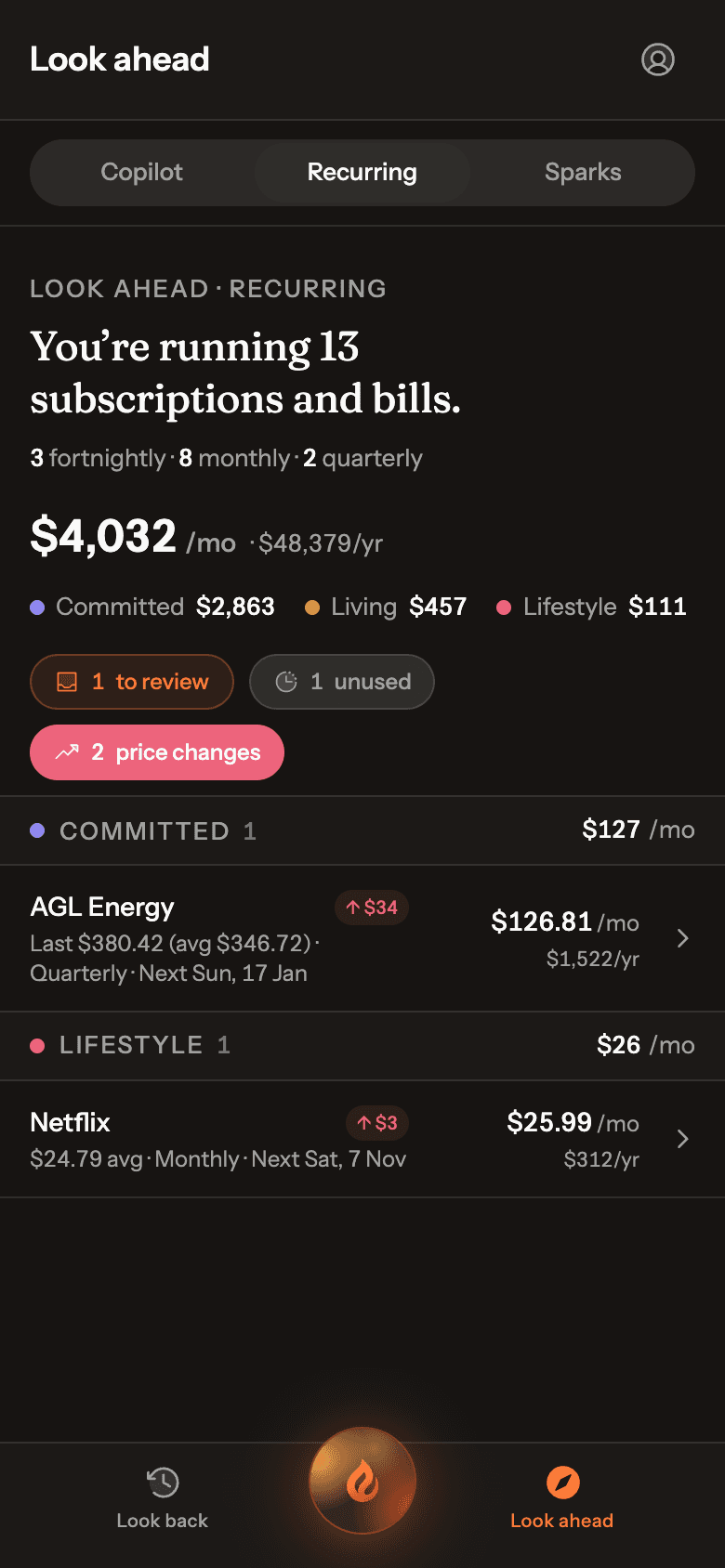
It finds your bills, and sees the month ahead.
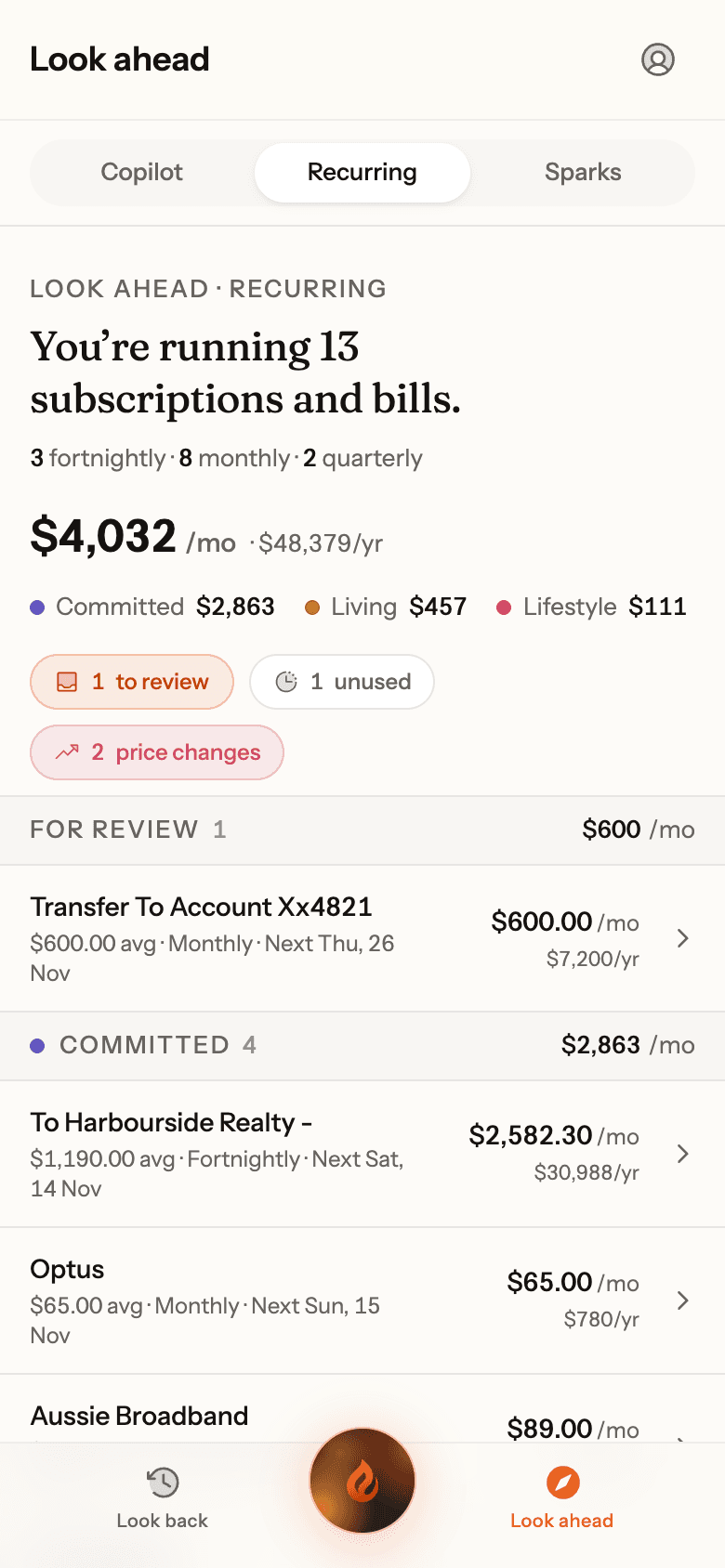
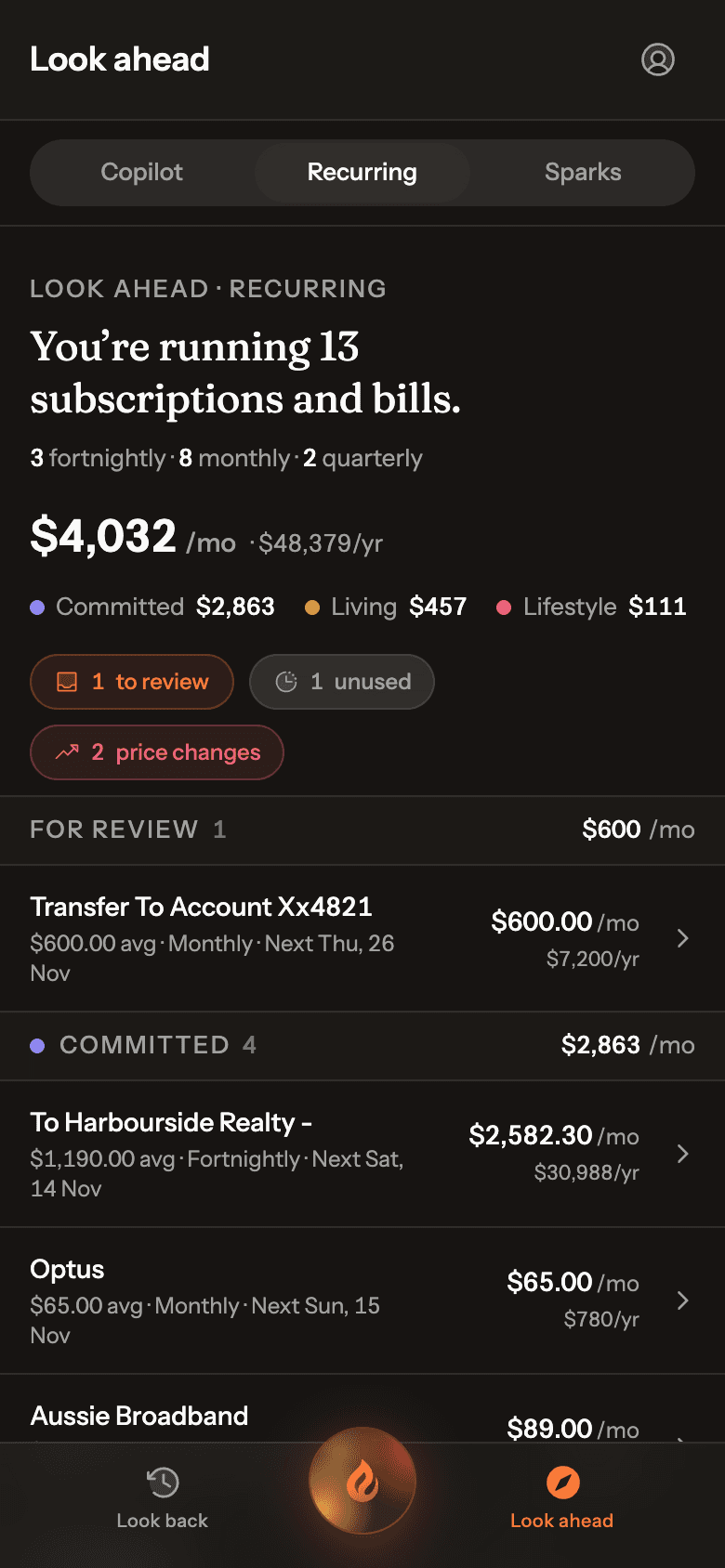
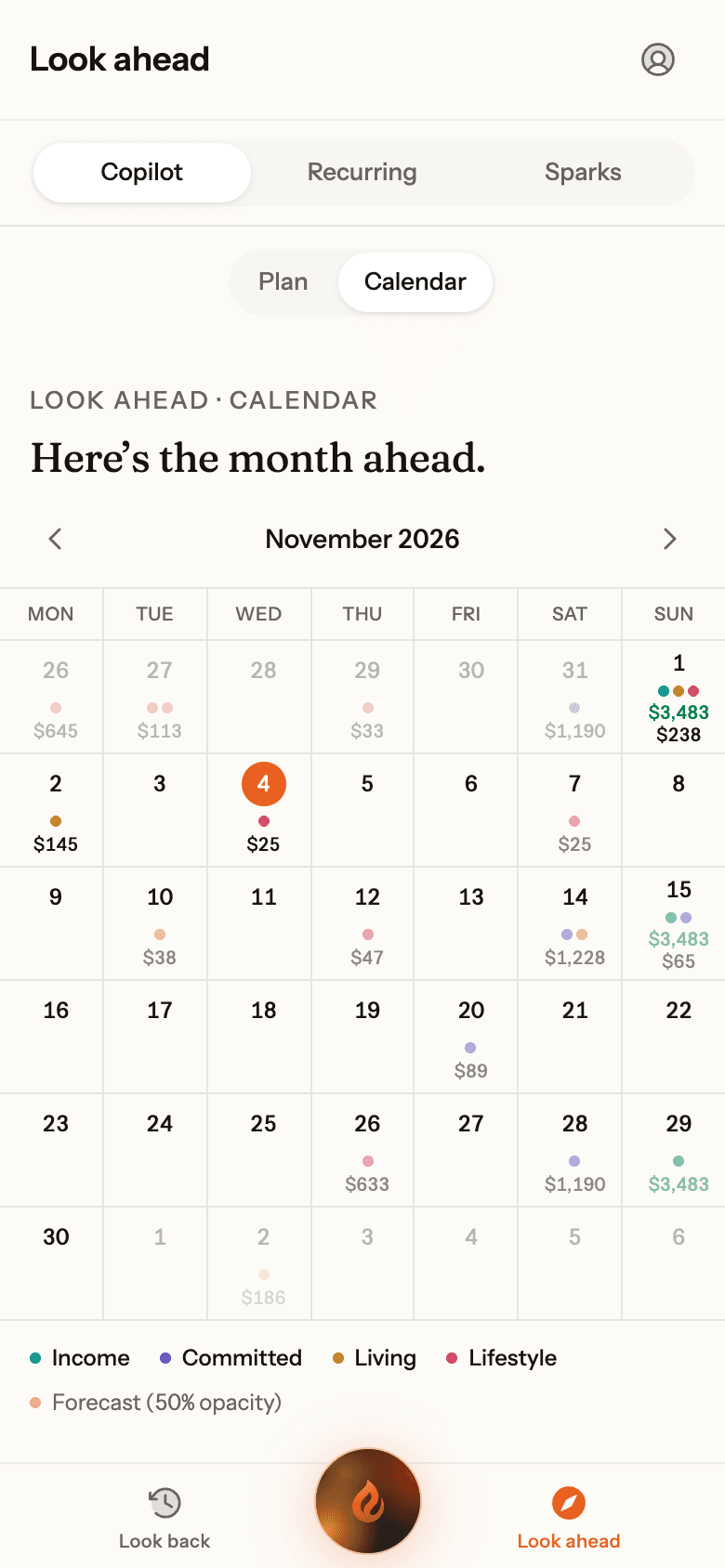
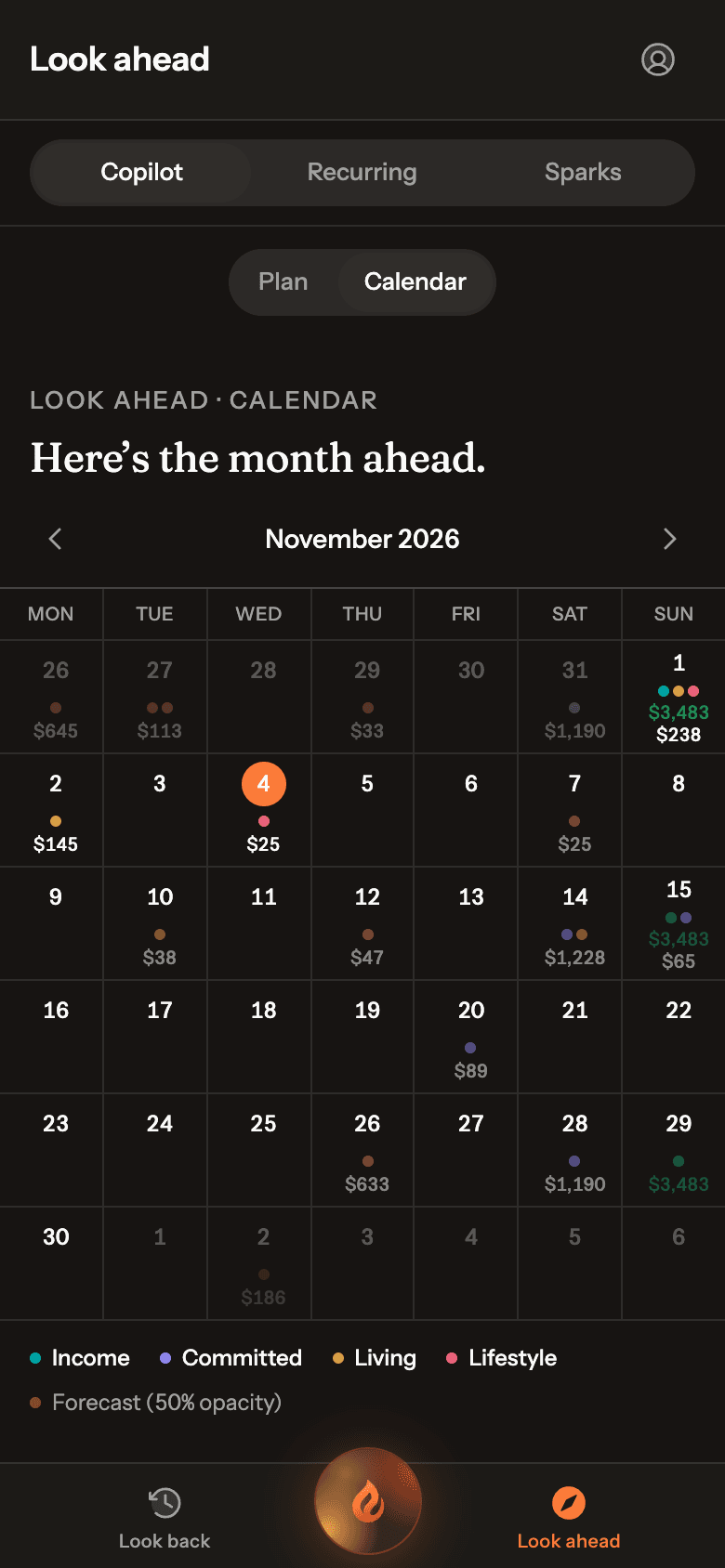
Subscriptions, bills, paydays and buy now, pay later instalments are found from your transactions and placed on a calendar for the weeks ahead. When a price goes up, Ember notices.
- Found automatically, weekly to yearly
- Price rises and stopped charges flagged
Untangles buy now, pay later
It untangles buy now, pay later.
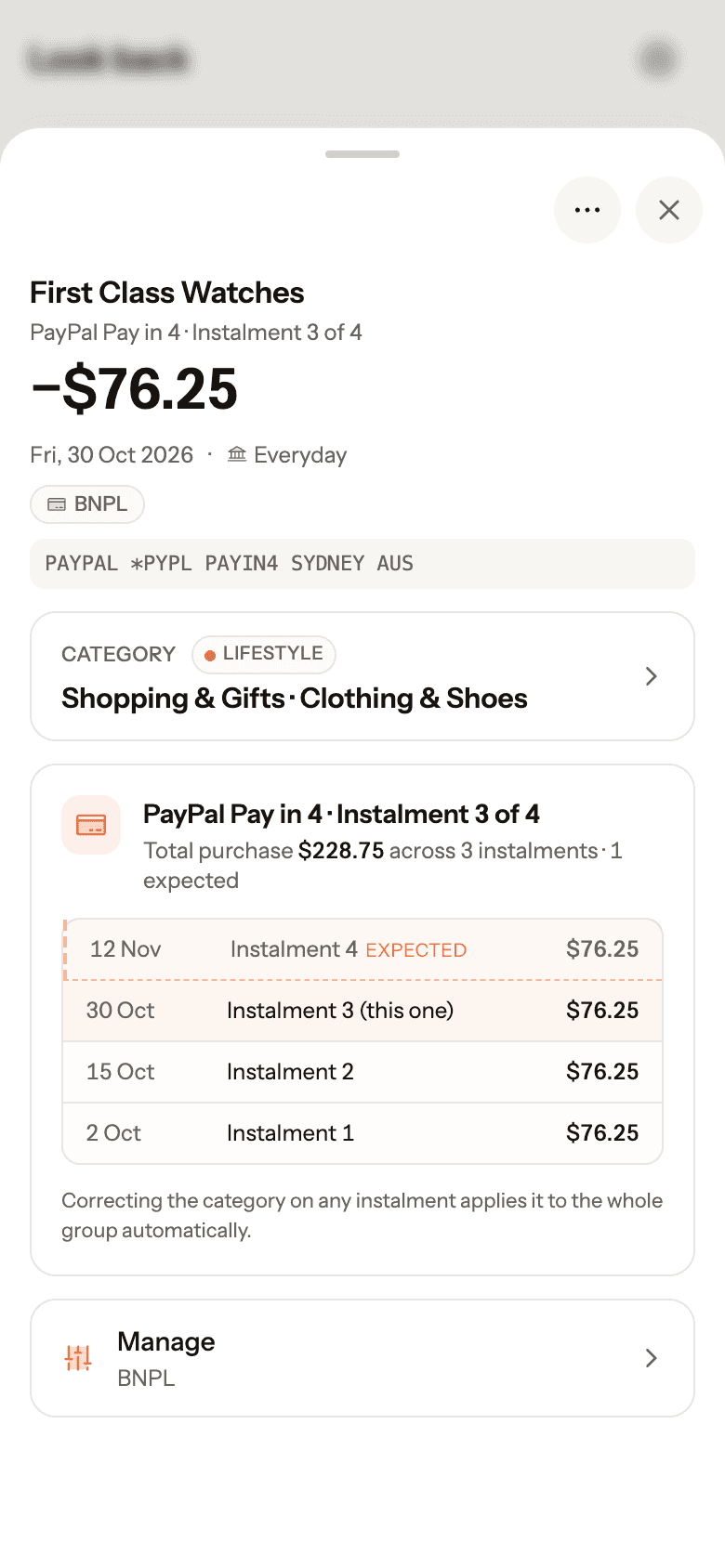
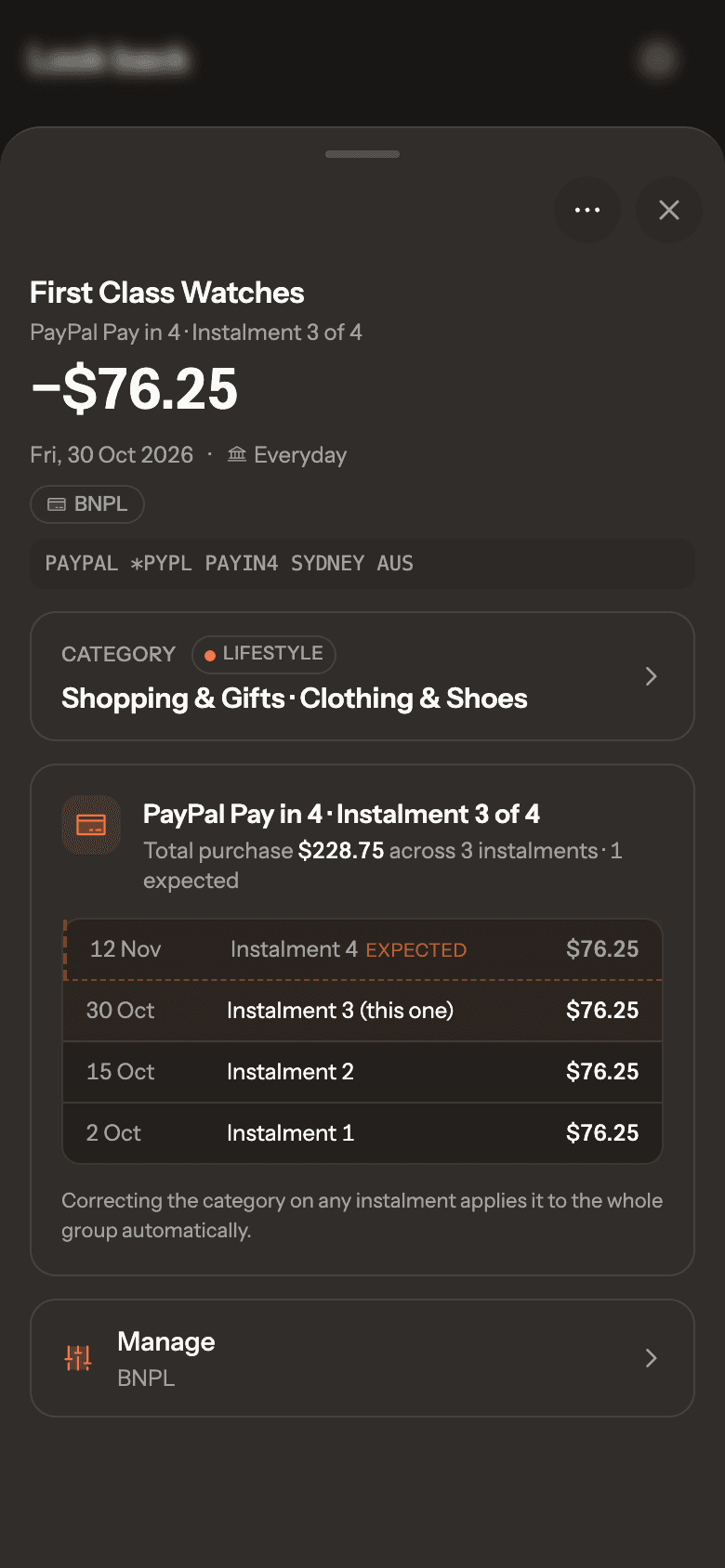
Afterpay, PayPal Pay in 4, Zip, Humm and Klarna show up in your bank as the provider, not the shop. Ember spots them on its own, groups the instalments into one purchase, works out which instalment each one is, and puts the next one on your calendar. Name the purchase once and every instalment follows.
- Spotted and grouped automatically, with the purchase total
- Each instalment numbered, like 3 of 4, with the next one expected
Speaks up when it matters
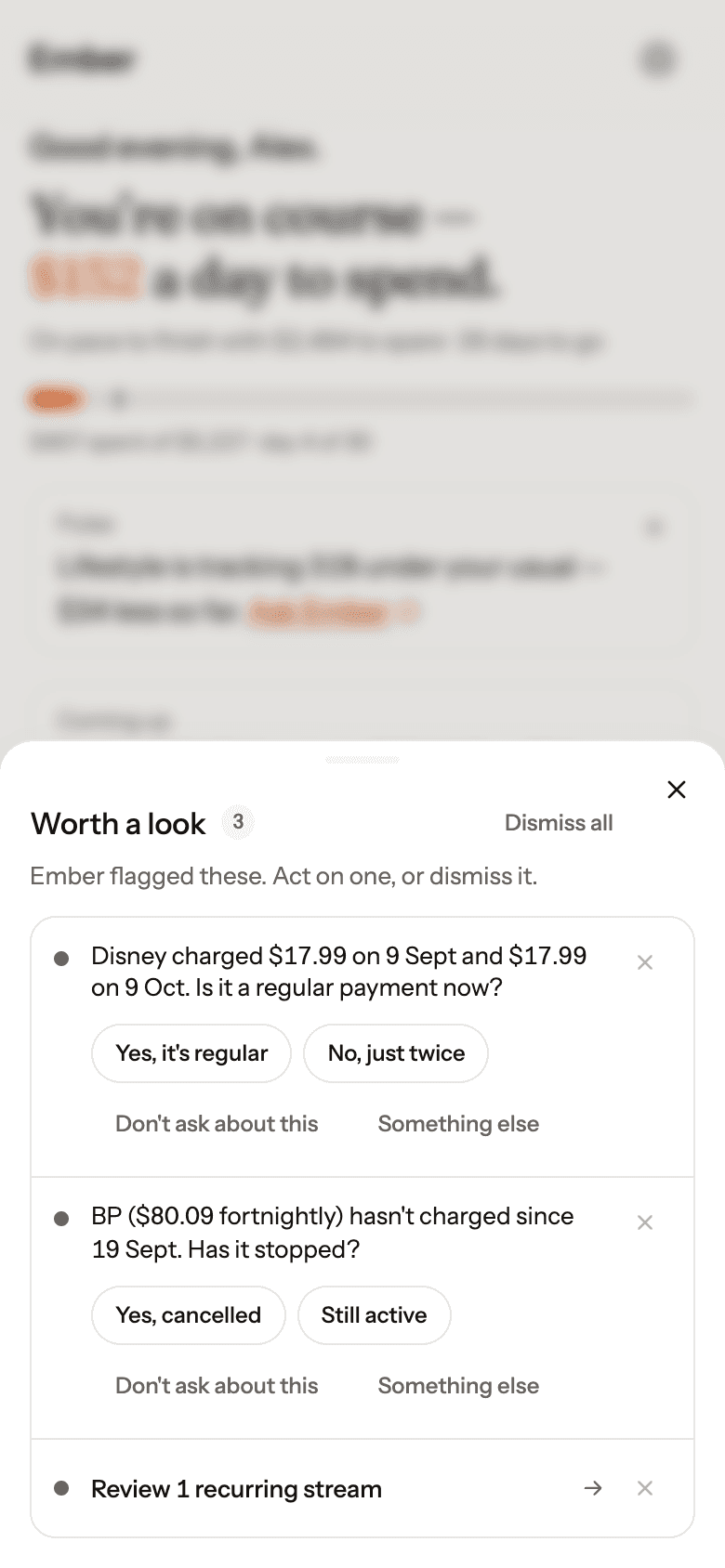
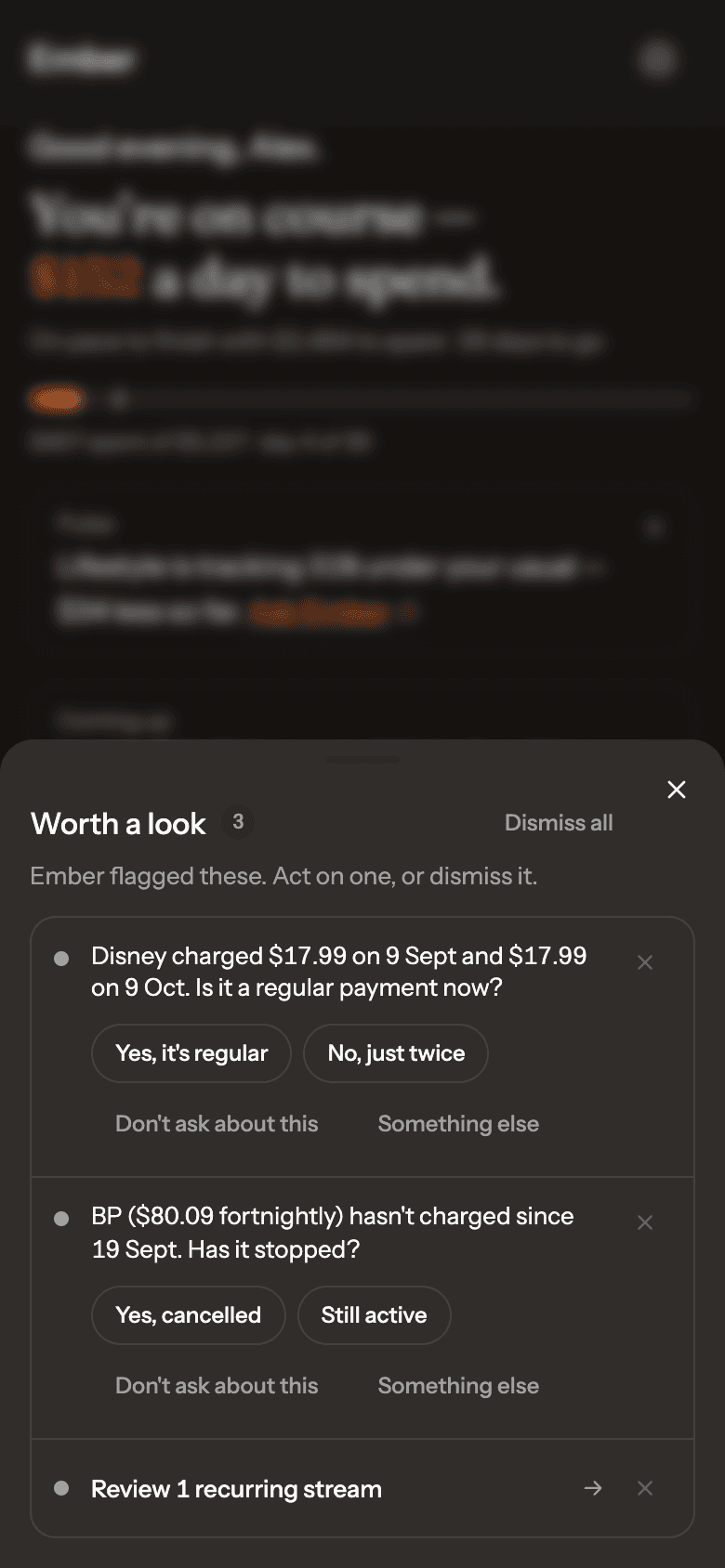
It asks instead of guessing.
Ember stays quiet until something changes: a new regular payment, a charge that’s stopped, a month running hot. When it isn’t sure, it asks a one-tap question, and never asks the same thing twice.
- Short notes on Home when something’s worth knowing
- Push notifications for urgent things only, if you want them
Answers when you ask
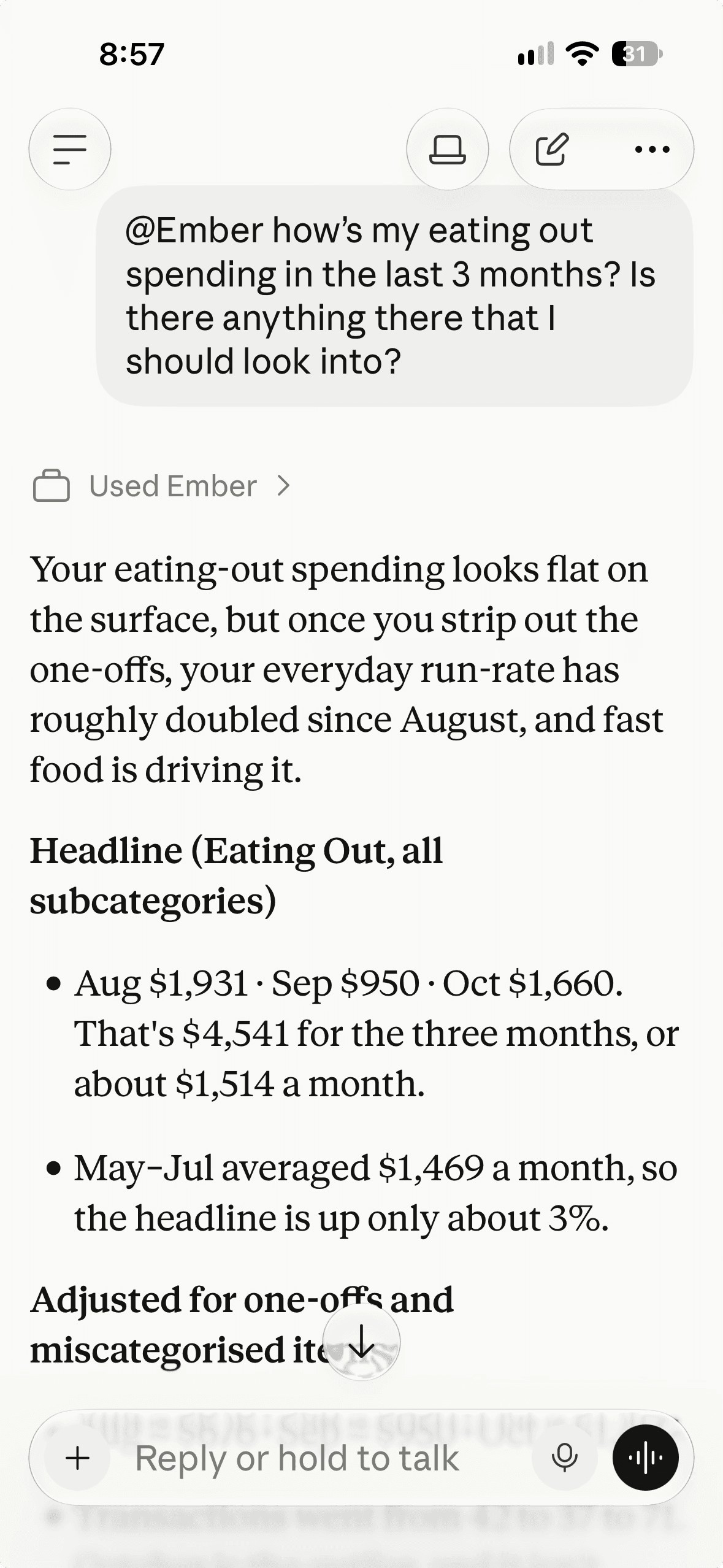
Ask it anything about your money.
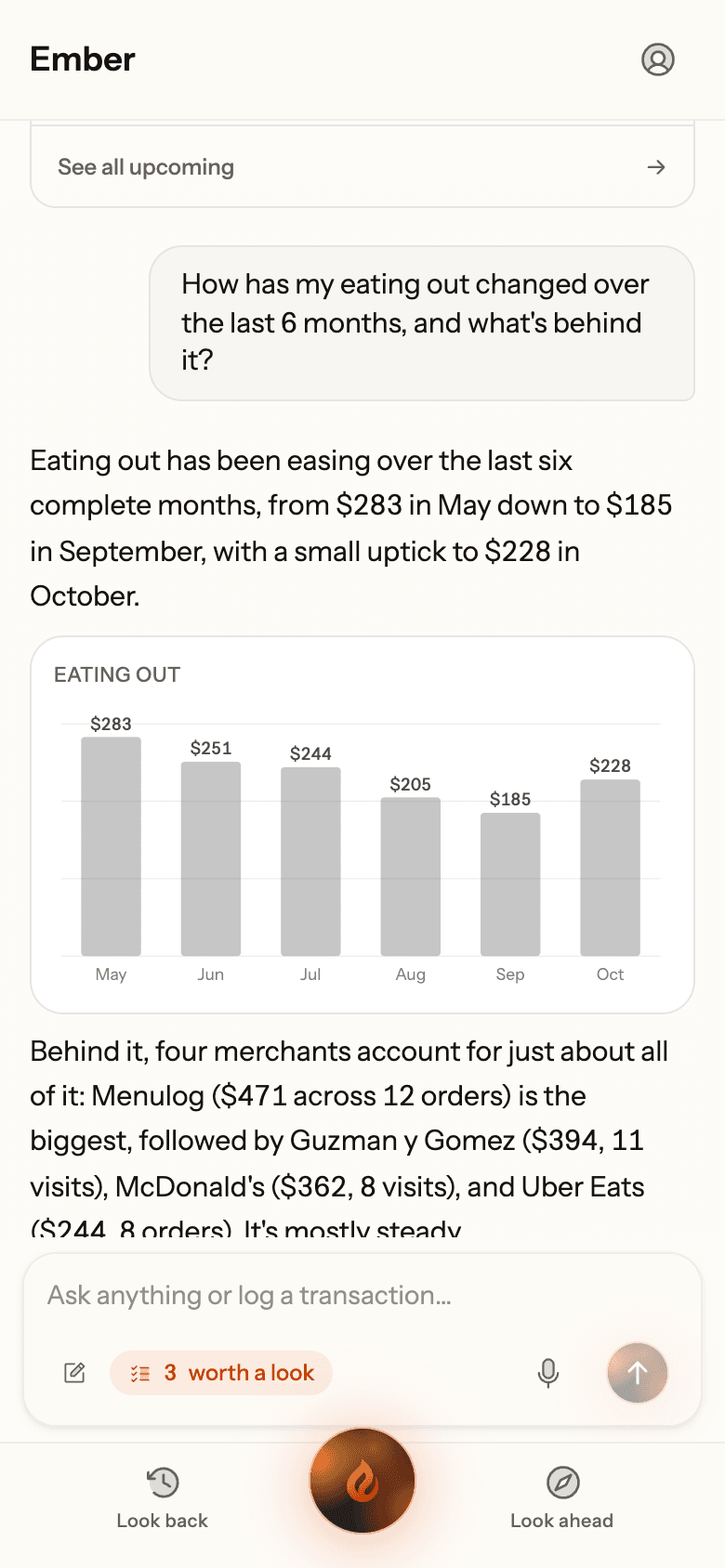
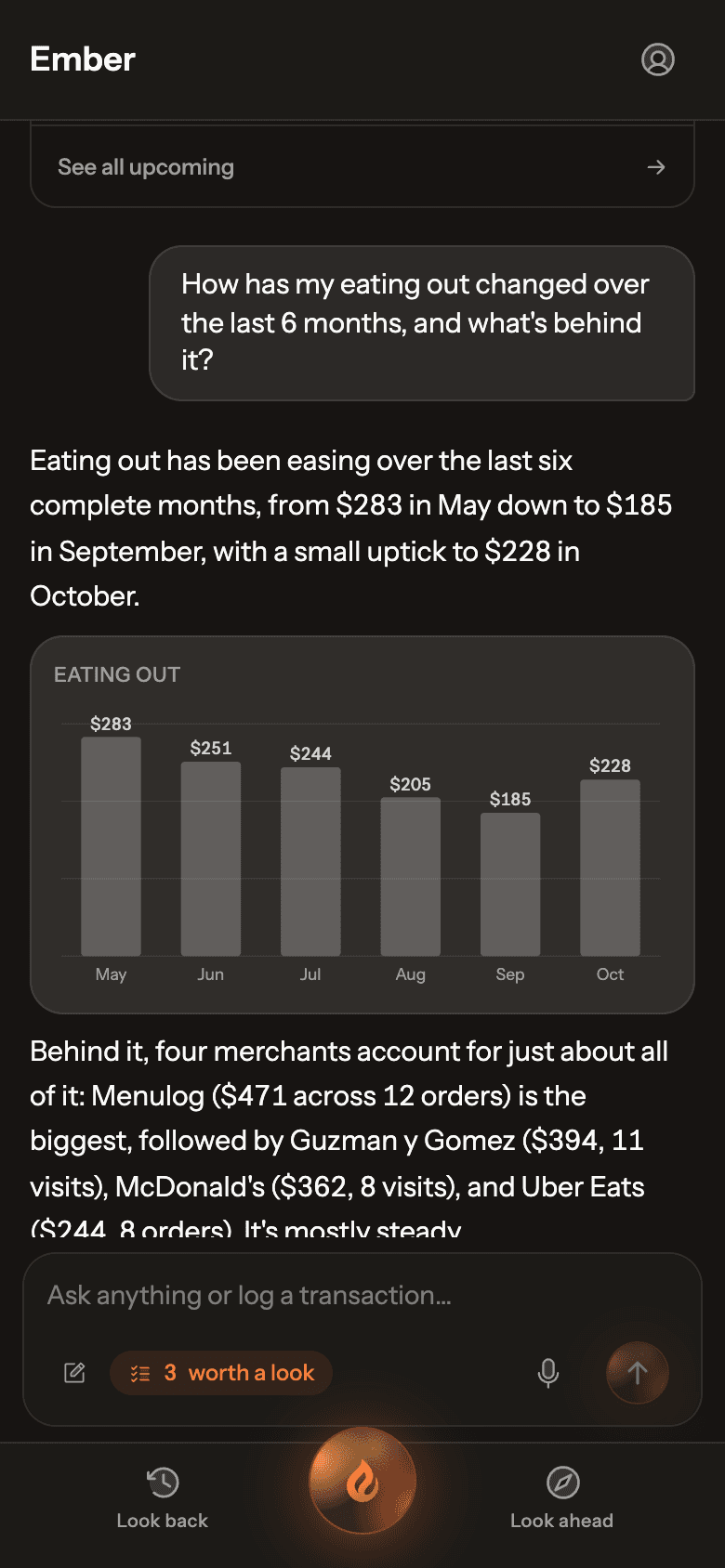
Ember answers from your own transactions, with charts and tables when they help. It’s general information about your money, not financial advice.
- “How has my eating out changed, and what’s behind it?”
- “What’s due before payday?”
Plans with you, if you want
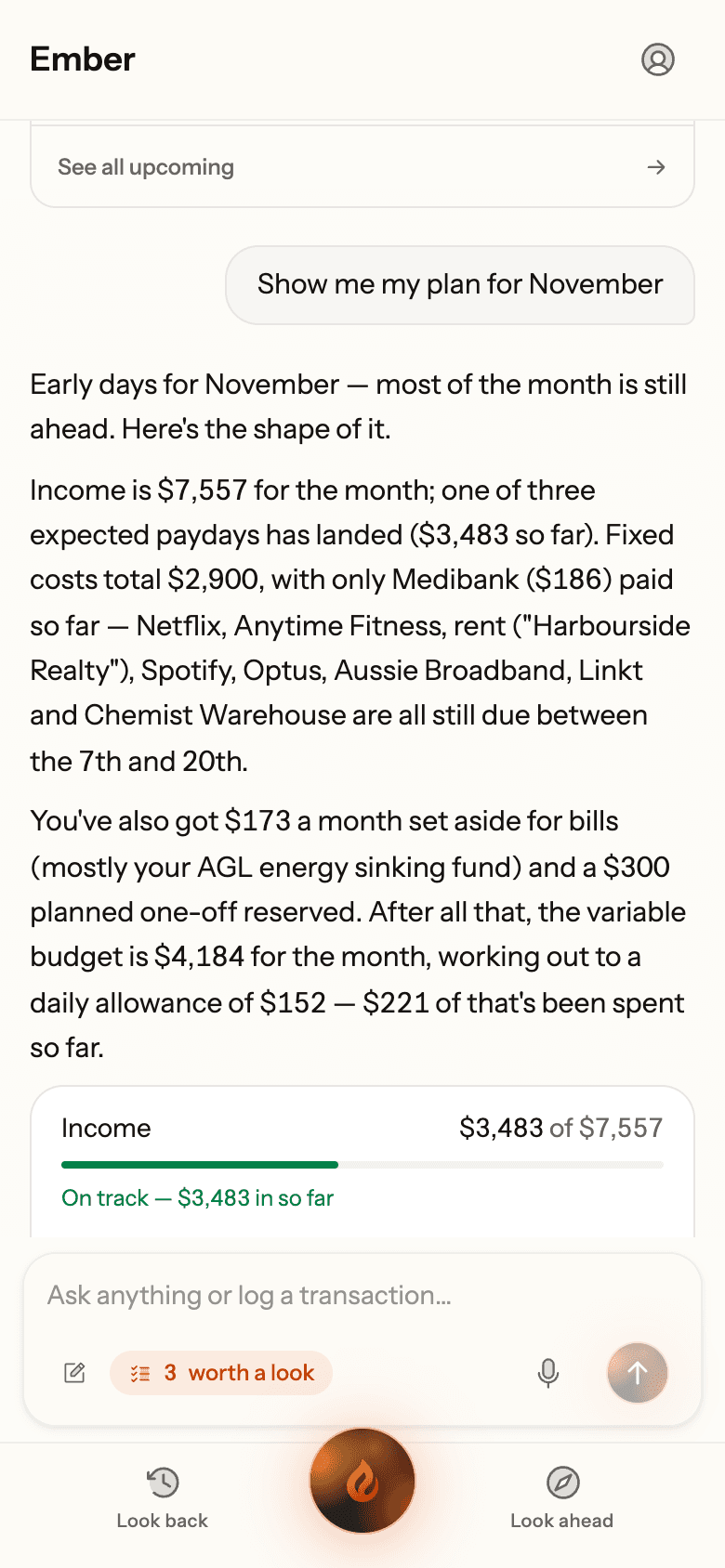
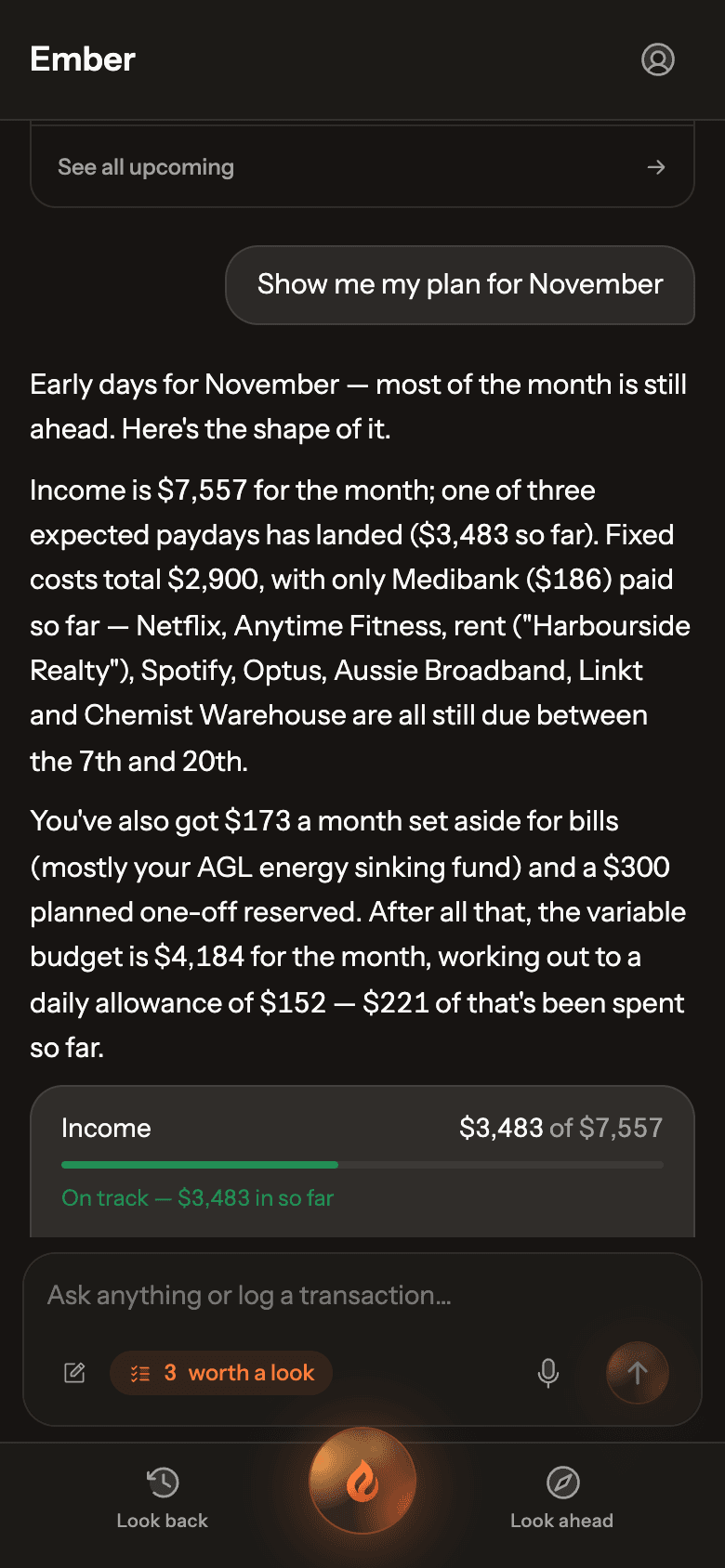
Plan the month together.
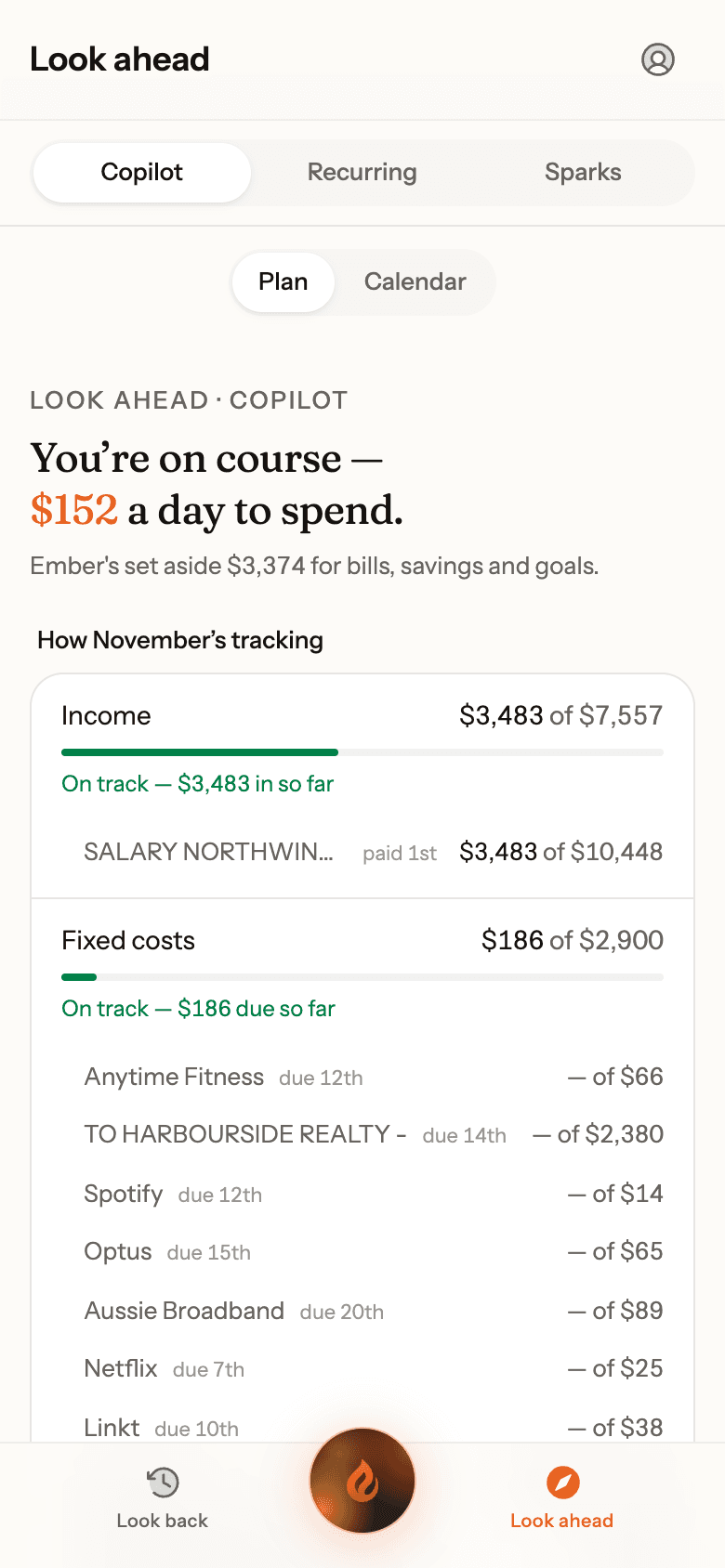
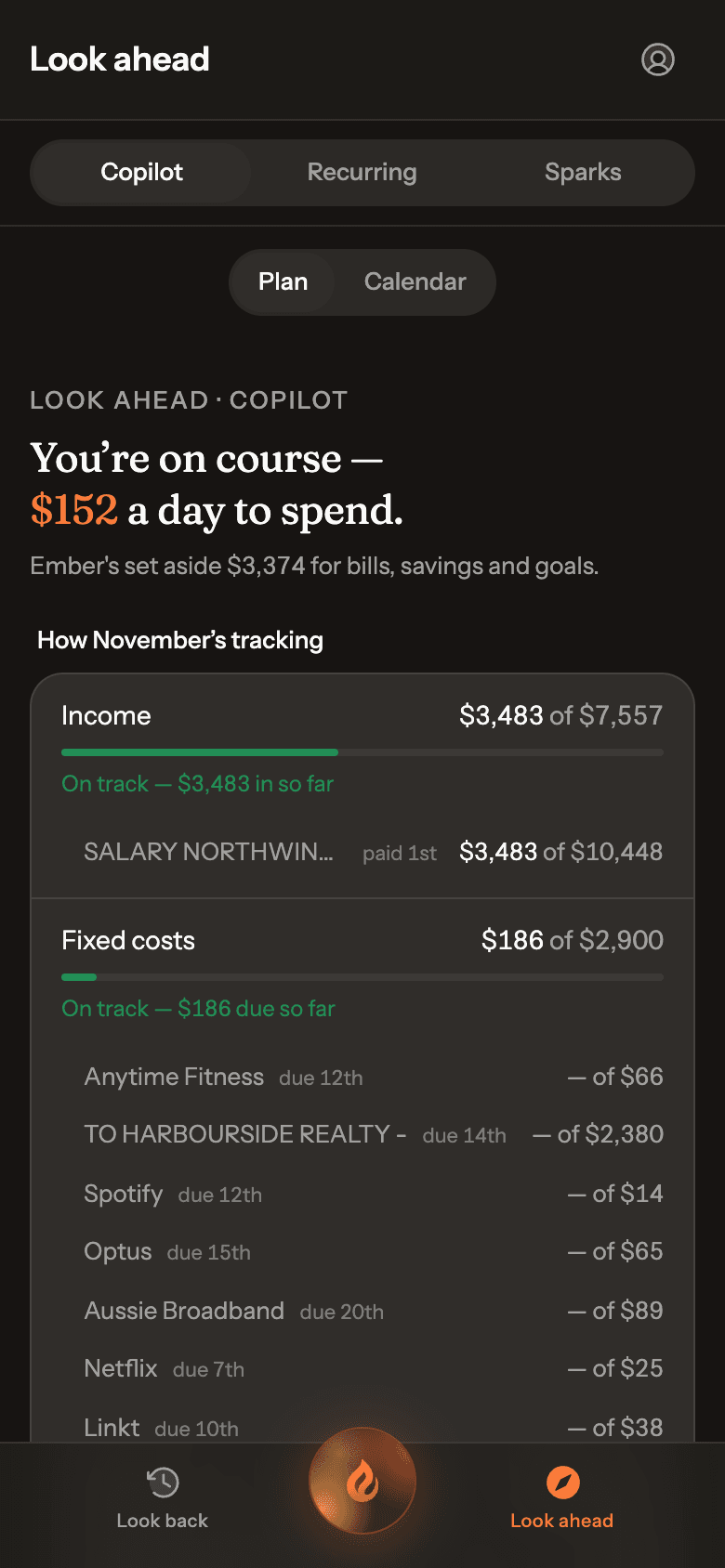
Tell Ember your bills, savings and goals in a short chat. It works out how much to set aside for each and what’s safe to spend each day, then checks in weekly. Your money stays where it is; Ember never moves it.
- Irregular bills like rates or rego spread into monthly amounts
- Trips and projects with their own budgets
Remembers what you teach it
Teach it once.
It remembers.
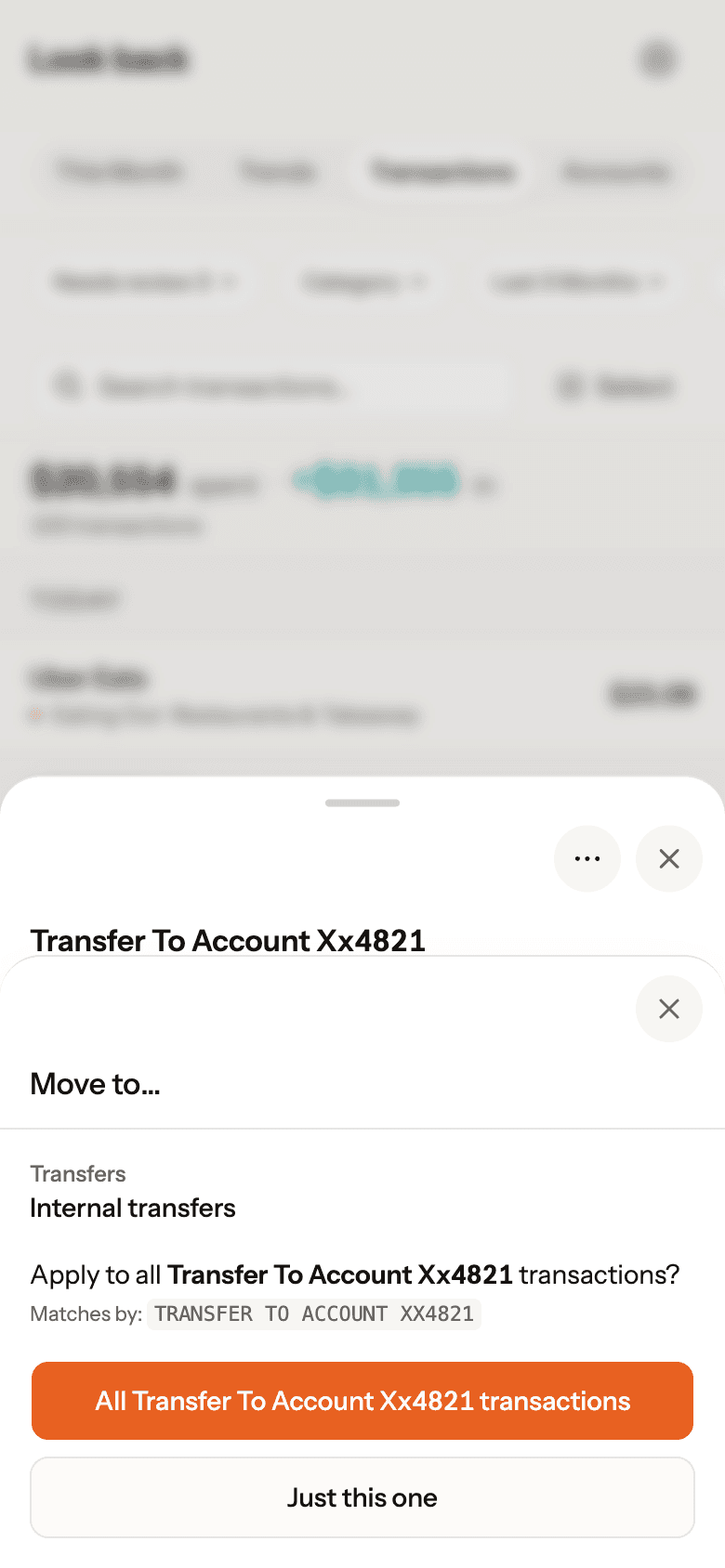
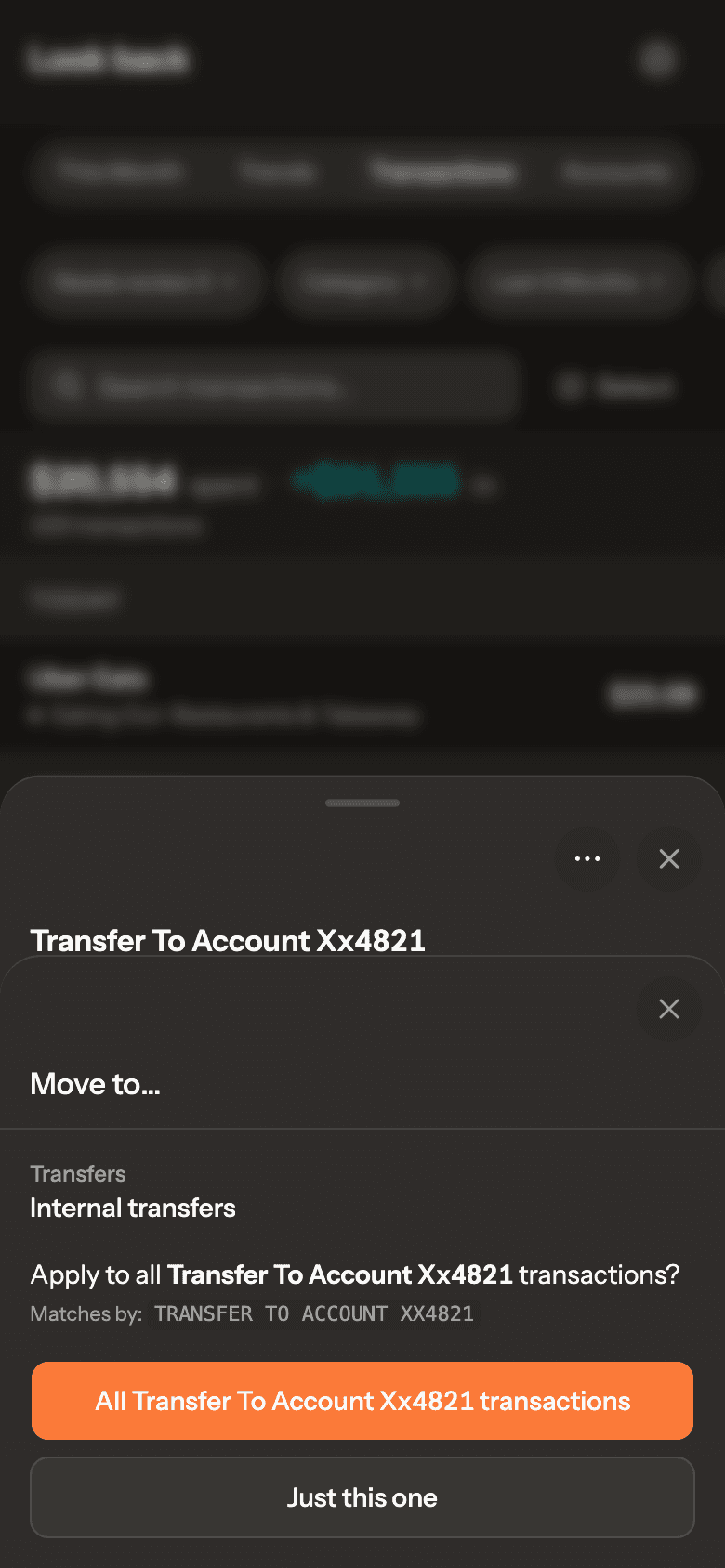
Bank descriptions are messy. Fix one, and Ember offers to apply it to every matching transaction, now and in future. Your corrections become rules, not one-offs.
- Recognises PayPal, Square and buy now, pay later charges
- No re-tagging the same merchant every month
Works with your AI assistant
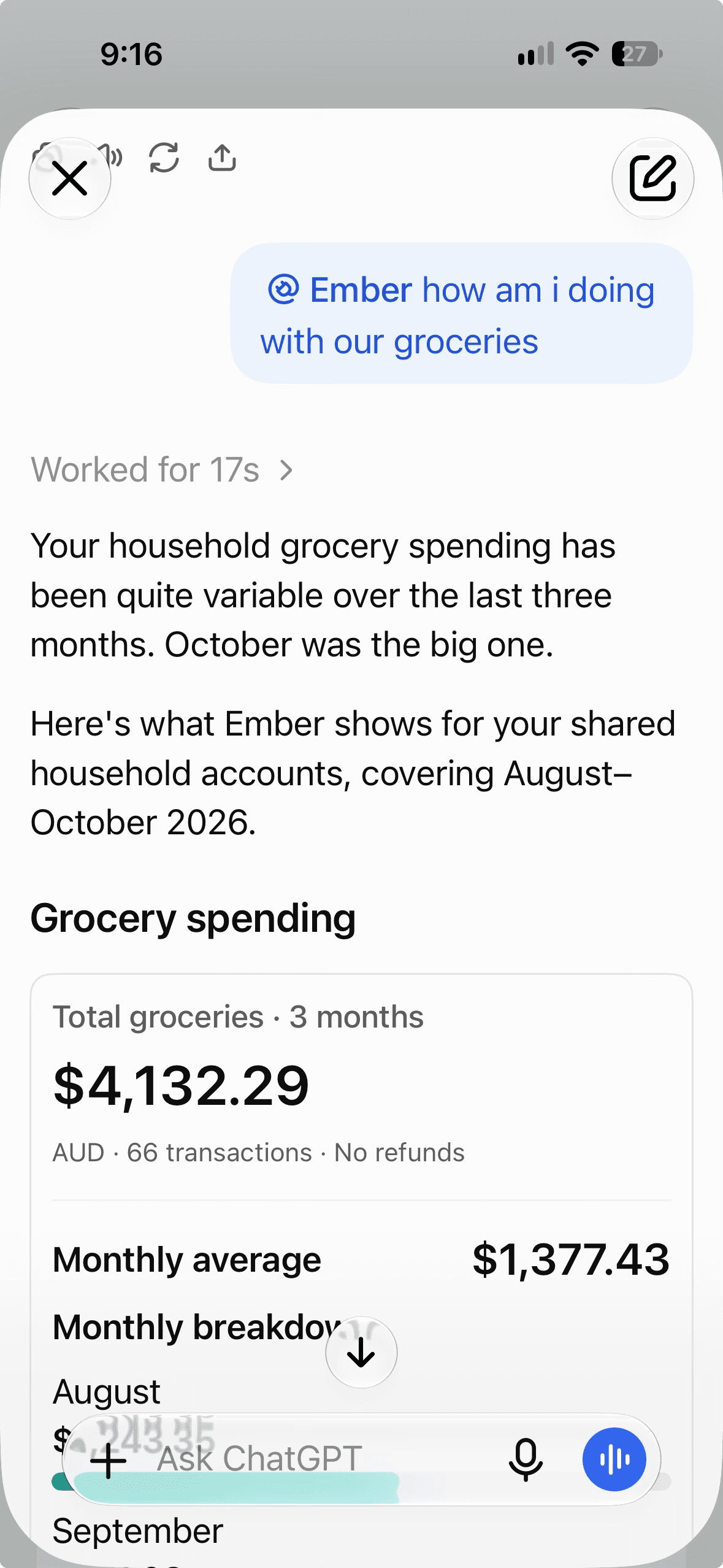
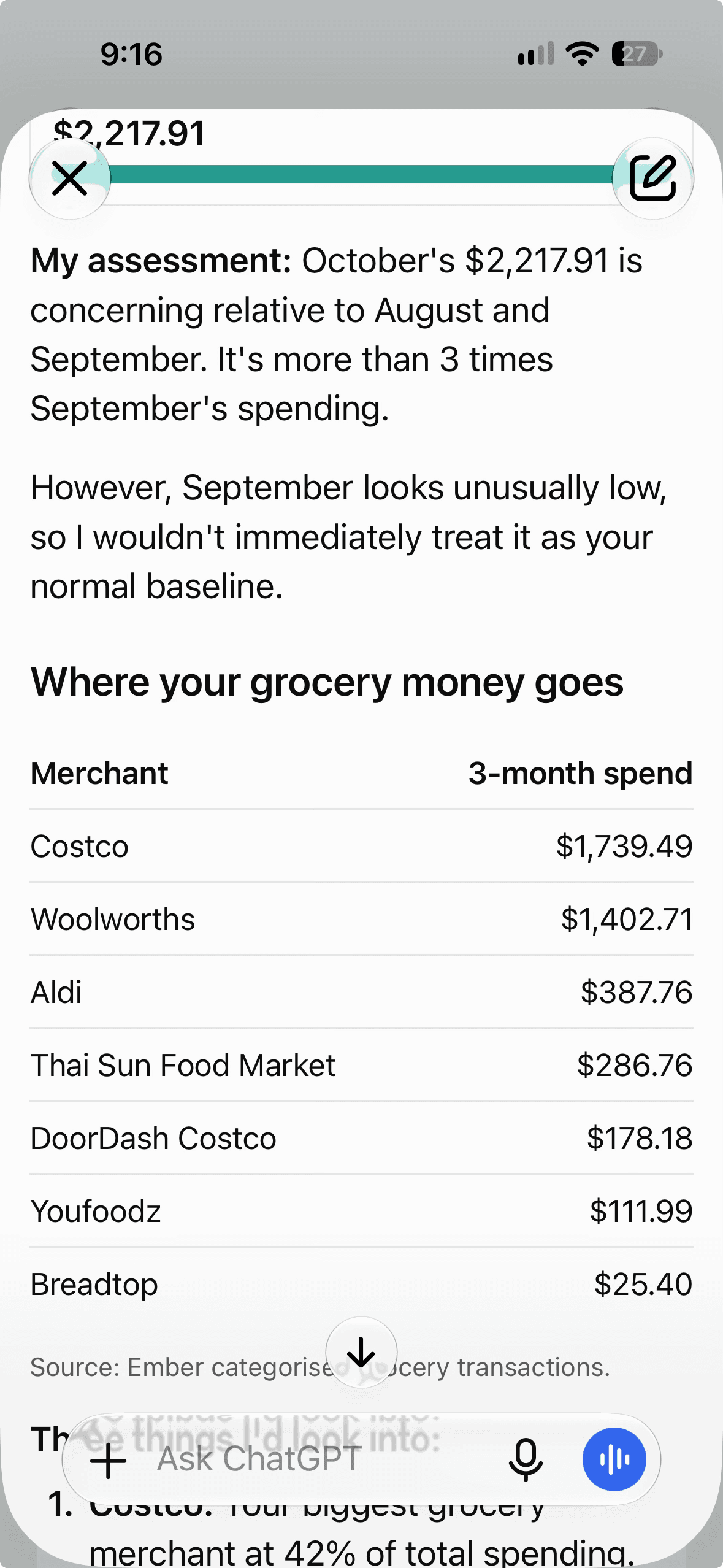
Ask about your money from Claude or ChatGPT.
Connect Ember to Claude, or to ChatGPT in developer mode, and ask about your spending from the assistant you already use. It reads the same figures you see in Ember.
- Read-only. Your assistant can look, but can’t change anything in Ember.
- You approve the connection, and can disconnect at any time.
- Uses the open Model Context Protocol (MCP), so other assistants can connect too.
How it works
Your bank's file in. A clear picture out.
- Step 1
Export from your bank
Download a CSV of your transactions from internet banking and drop it in. Start with 12 months so Ember knows your usual. After that, upload or email the new month’s file.
- Step 2
Ember sorts it
Messy bank descriptions become real merchants and Australian categories. Fix one and Ember remembers that merchant from then on.
- Step 3
See where you stand
How this month compares with your usual, every bill and subscription, and what’s due before payday. Ask Ember when you want to dig in.
Everything in Ember
Already built, and in the beta today.
60 things Ember does now. Nothing on this list is coming soon.
Getting your data in
- Drop in several bank CSV exports at once; Ember works out which account each belongs to
- Works with the CSV export from any bank or card: Ember works out the columns itself
- When it can’t tell, you pick the columns once, without leaving the import, and Ember remembers them
Sorting and categorising
- Messy bank text turned into real merchants and Australian categories
- Fix one transaction and Ember offers to apply it to every match, now and in future
- Buy now, pay later spotted automatically: Afterpay, PayPal Pay in 4, Zip, Humm and Klarna instalments grouped into one purchase and numbered, like 3 of 4
Knowing where you stand
- This month compared with your usual, at the same point in the month
- Your usual is learned from your own last six months, not a budget
- Leave one-off purchases out of your usual
Bills and what’s coming
- Subscriptions and bills found automatically, weekly to yearly
- Price rises flagged
- Charges that have stopped flagged
Planning, if you want it
- Copilot: set up a monthly plan in a short chat with Ember
- A daily “safe to spend” figure once your plan is set
- Spread irregular bills like rates, rego or insurance into monthly amounts
Ember AI
- Ask about your money in plain English, answered from your own data
- Charts, tables and transaction lists right inside the answer
- Ember can make changes for you, after you confirm
Works with your other tools
- Use Ember from Claude, or ChatGPT in developer mode, read-only
- See and revoke connected apps in Settings
- Install on your phone’s home screen
Privacy and control
- No bank login; full account and card numbers are never seen
- Download all your data as a file
- Close your account and it’s deleted after a 30-day grace period
What's next
Where Ember is heading.
No dates, and nothing promised before it works.
Ember for couples
Invite your partner so you both see the shared accounts, while personal accounts stay personal.
Bank feeds through Open Banking
Connecting to your bank under Australia’s Consumer Data Right (CDR), so new transactions arrive without exporting a file. Ember doesn’t connect to banks today, and we’ll only switch this on once it meets the CDR rules.
Trust & privacy
What happens to your data, in plain words.
No bank login
You export the file yourself. Ember never sees your banking password, full account number or full card number.
Stored in Sydney
Your data lives in Australia (Supabase, Sydney). Web hosting, email and AI run on US services; the security page lists them.
AI, with limits
Categorisation sends only a redacted description of merchants Ember hasn’t seen. Chat sends what it needs to answer. Anthropic doesn’t train on it. AI categorisation can be switched off.
Yours to take or delete
Download everything as a file, or close your account and it’s deleted after a 30-day grace period.
Never sold
No ads, no selling or sharing your data with banks, insurers or employers.
A real company
EmberFI Pty Ltd (ACN 700 035 089), an Australian company. Founder-built and run.
The details are on our security page, in the Privacy Policy and the Beta Terms.
Try Ember with your own bank exports.
Ember is in a small, invite-only beta. Request access and we'll email you when there's a spot.