Guide · 4 steps
Use Ember in Claude or ChatGPT
If you already use Claude or ChatGPT, you can connect Ember to it and ask about your money there. The assistant can read the same figures you see in Ember, but can’t change anything.
Step 1: Add Ember to Claude
In Claude on the web or desktop, open Settings › Connectors and add a custom connector. Name it Ember and use this address: https://emberfi.com.au/mcp. You add it on a computer; it then works in the Claude phone app too.
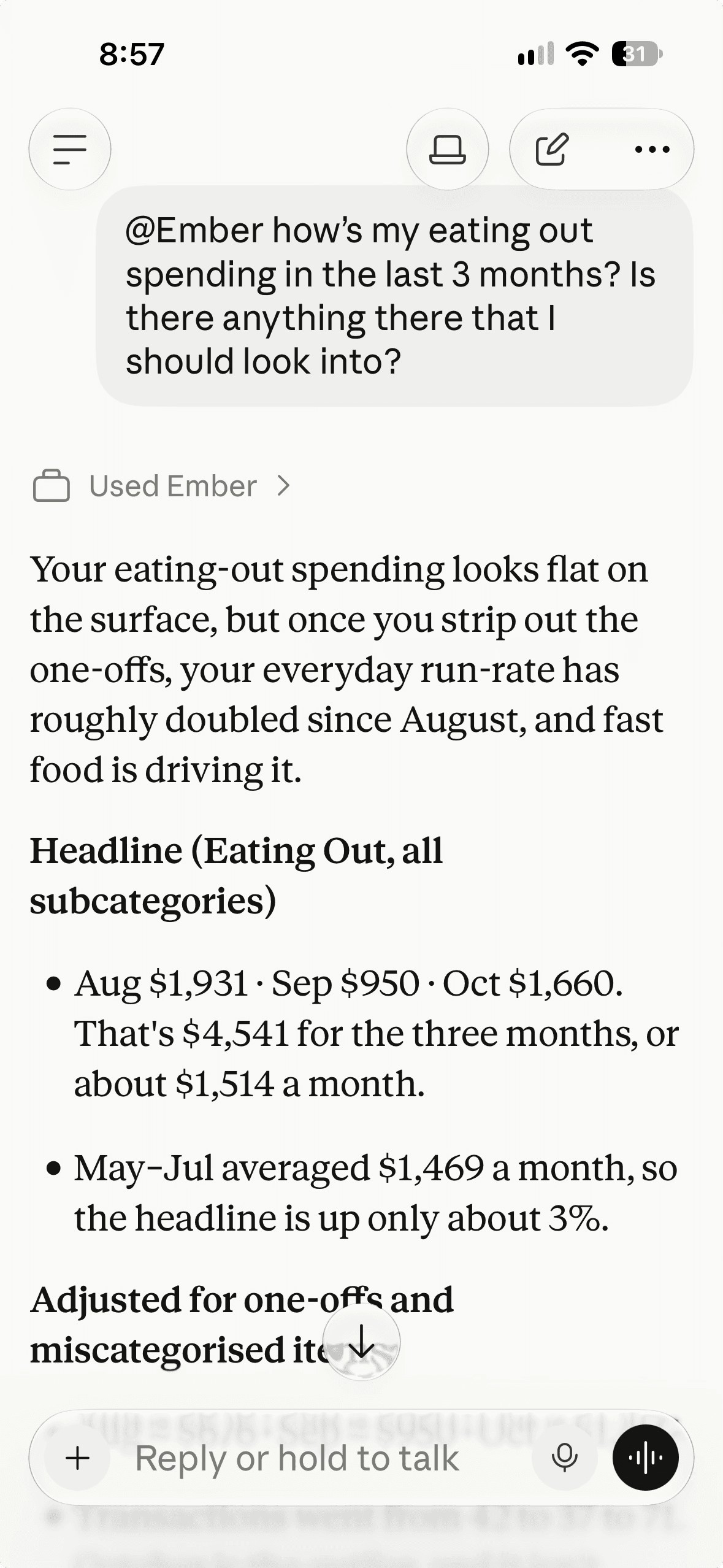
Real Ember screen · sample household Step 2: Or add Ember to ChatGPT
ChatGPT needs a paid plan with developer mode turned on. Add a new connector named Ember with the same address and OAuth sign-in. In each chat, switch Ember on from the tools menu. ChatGPT’s menus change often, so check its own help if they look different.
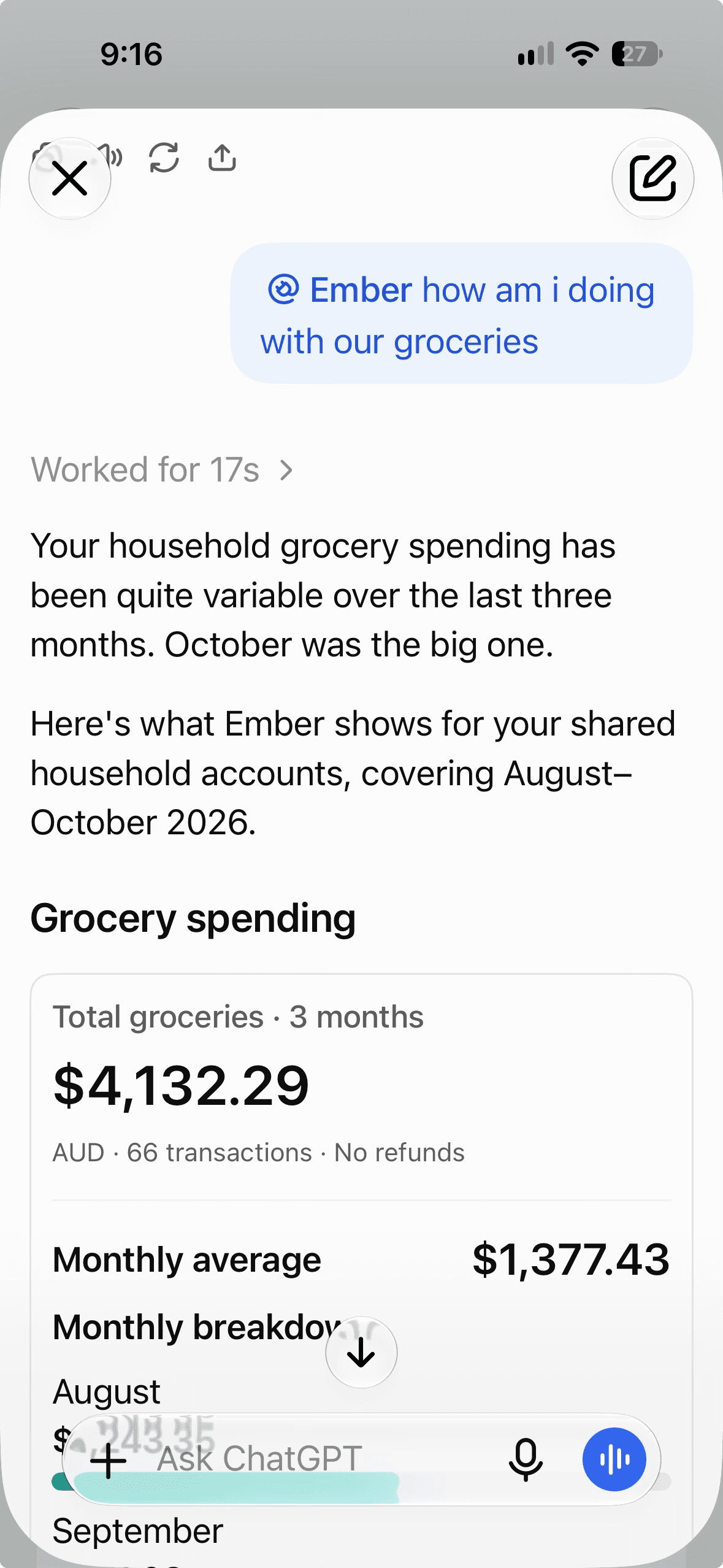
Real Ember screen · sample household Step 3: Approve the connection
You’ll be sent to Ember to sign in. Check what the app will be able to read and tap Allow access. You never paste a password or key into the assistant.
Step 4: Disconnect any time
In Ember, go to Settings › Ember AI › Use Ember in other AI apps and tap Disconnect. You can also remove the connector inside Claude or ChatGPT.