Guide · 4 steps
Teach Ember a category
When Ember gets a category wrong, fix it once. You choose whether the fix applies to every transaction from that merchant, past and future, or just the one.
Step 1: Open the transaction
Go to Look back › Transactions and tap the transaction. The Needs review filter shows anything still uncategorised.
Step 2: Pick the right category
Tap the Category card, choose a category, then a subcategory. Need one that isn’t there? Tap Add subcategory.
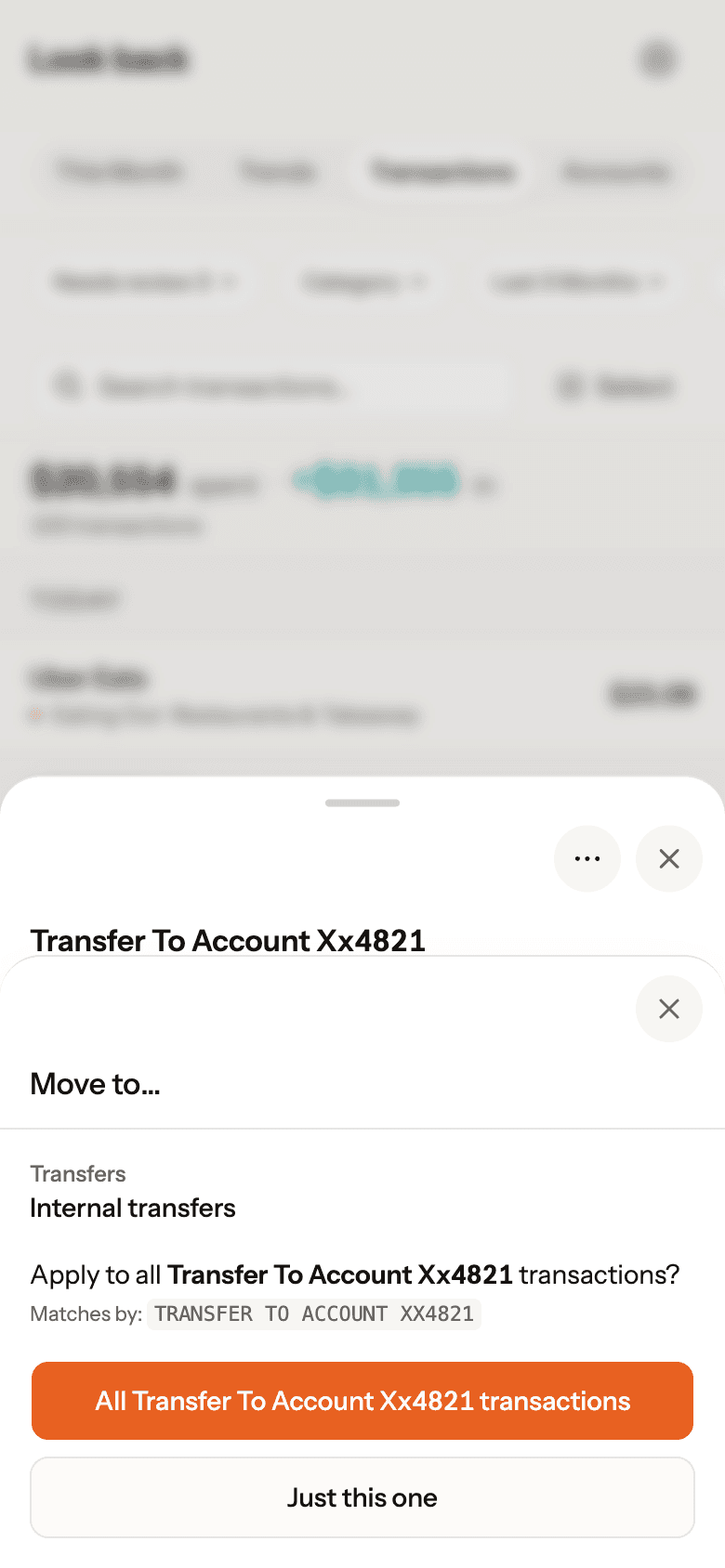
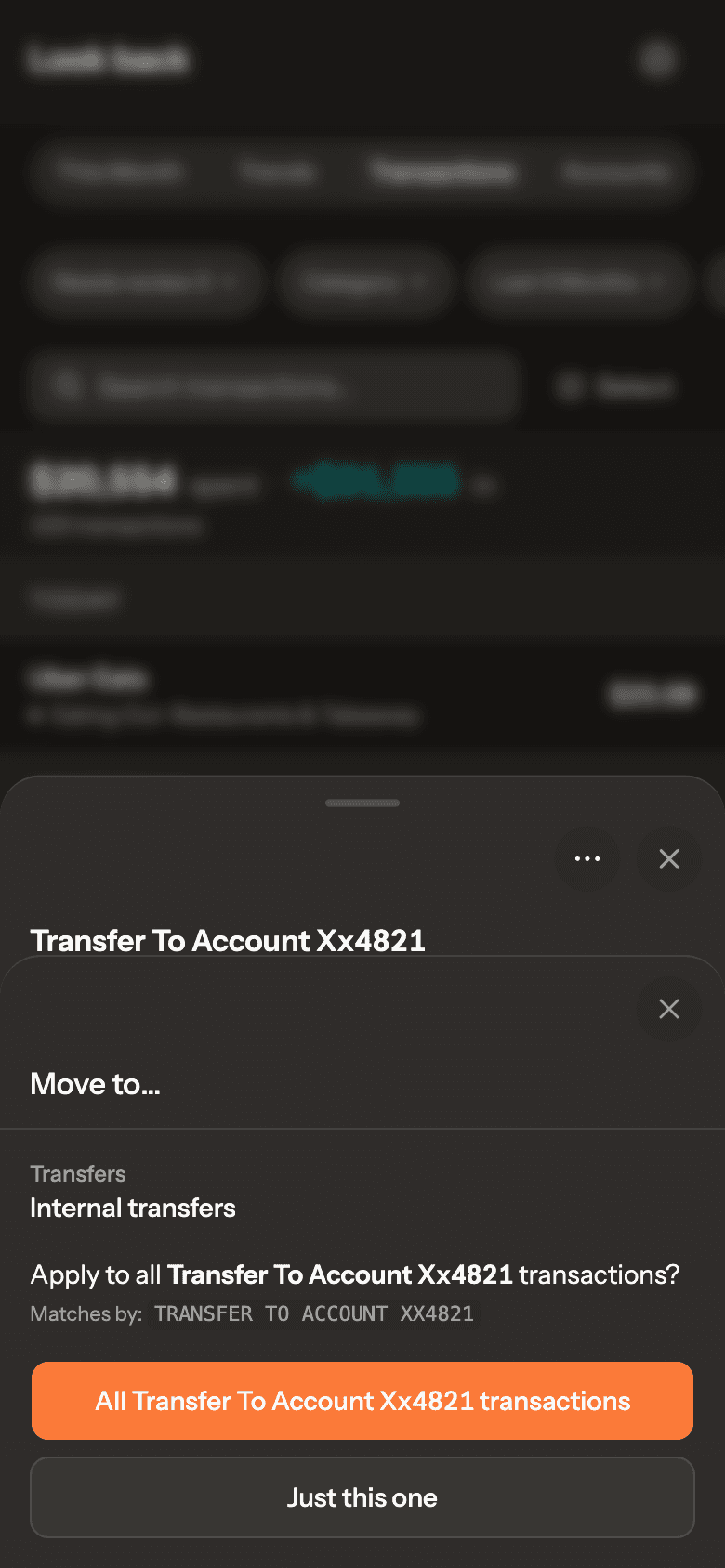
Step 3: Choose how far it goes
- All [merchant] transactions teaches Ember: past transactions from that merchant are updated and future ones follow.
- Just this one changes only this transaction.
Real Ember screen · sample household Step 4: Fix the merchant if it’s wrong
If the name itself is wrong, tap ⋯ › Rename merchant. The new name shows everywhere and Ember learns it.