Guide · 6 steps
Set up Copilot
Copilot is your plan for the month. You confirm your income, bills and anything you want to set aside, and Ember works out what’s left for everyday spending as an amount per day. Your money stays where it is: Ember never moves it.
Step 1: Start the setup
Go to Look ahead › Copilot and tap Set up Copilot (Home shows the same card until you have a plan). Ember fills in the chat box for you. Tap send.
Once the first week of a month has gone, Ember offers to plan next month instead. A plan for next month starts on the 1st.
Step 2: Confirm your income
Ember shows the income it found for each source. Confirm it, or tell Ember what you expect to come in.
Step 3: Check your bills
Ember lists your regular bills and buy now, pay later instalments. Correct or remove any that are wrong.
Step 4: Set things aside (optional)
Add monthly set-asides for irregular bills like rates, rego or insurance, any one-off costs you know are coming, and monthly amounts towards Sparks. Say “just build the plan” to skip ahead.
Step 5: Save the plan
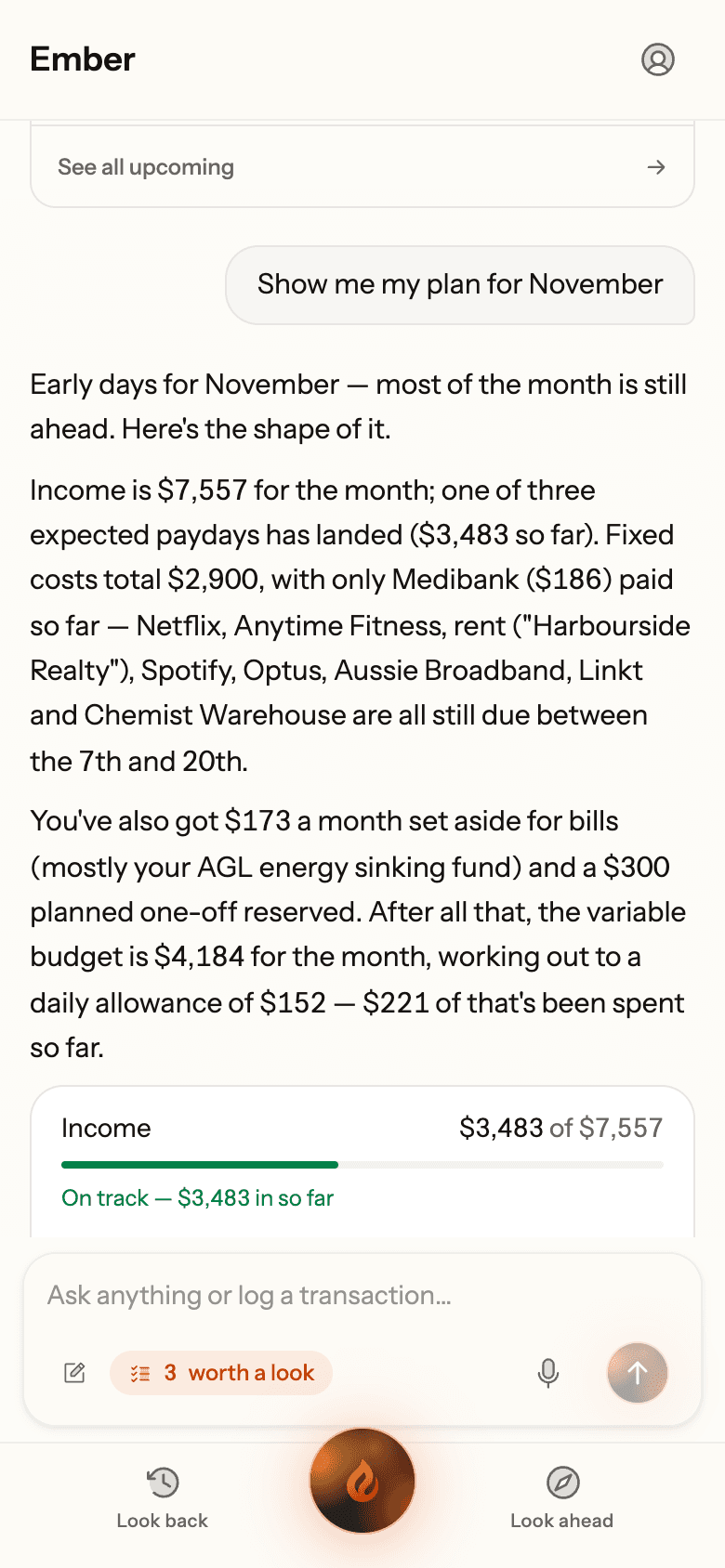
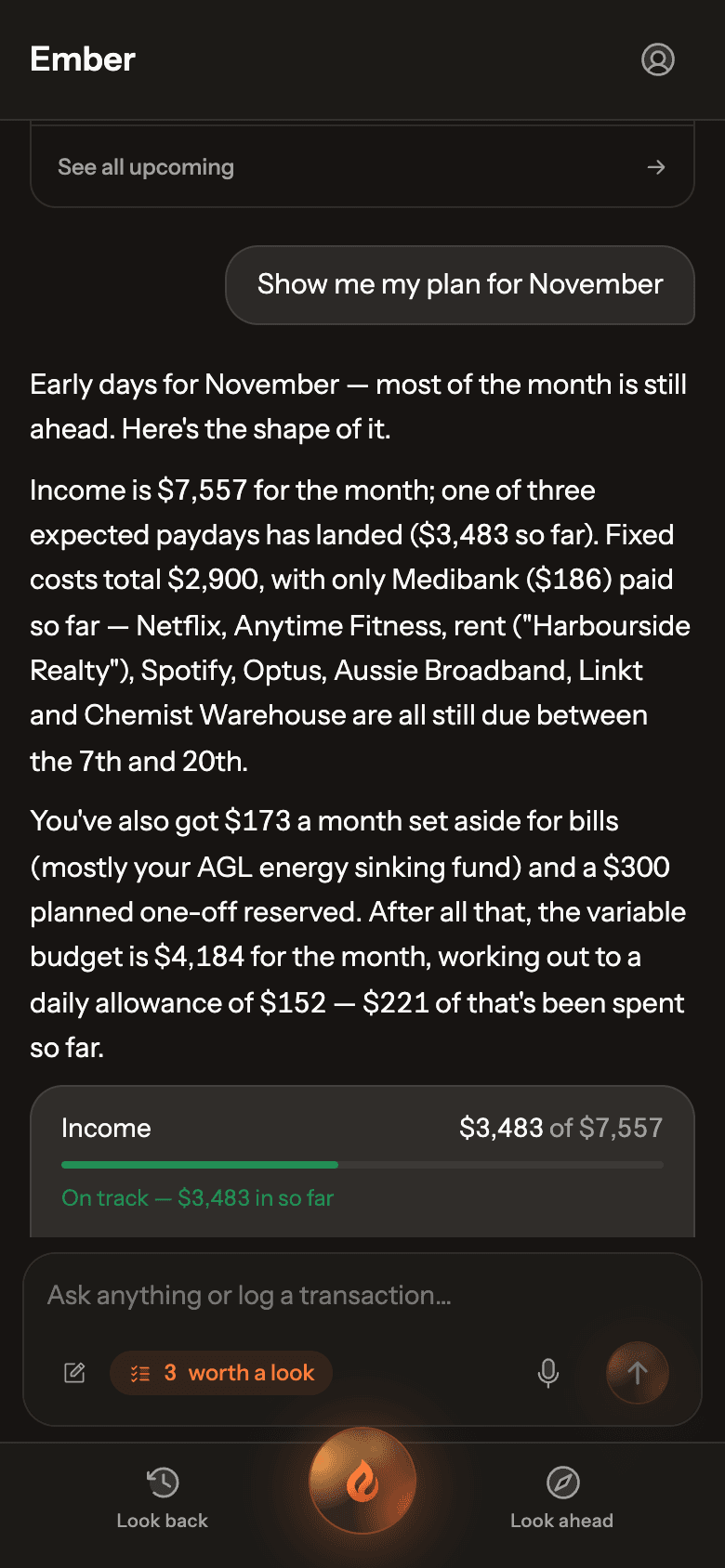
Ember shows the whole plan on one card, including your everyday budget and daily allowance. Tap Save plan.
Real Ember screen · sample household Step 6: Follow along
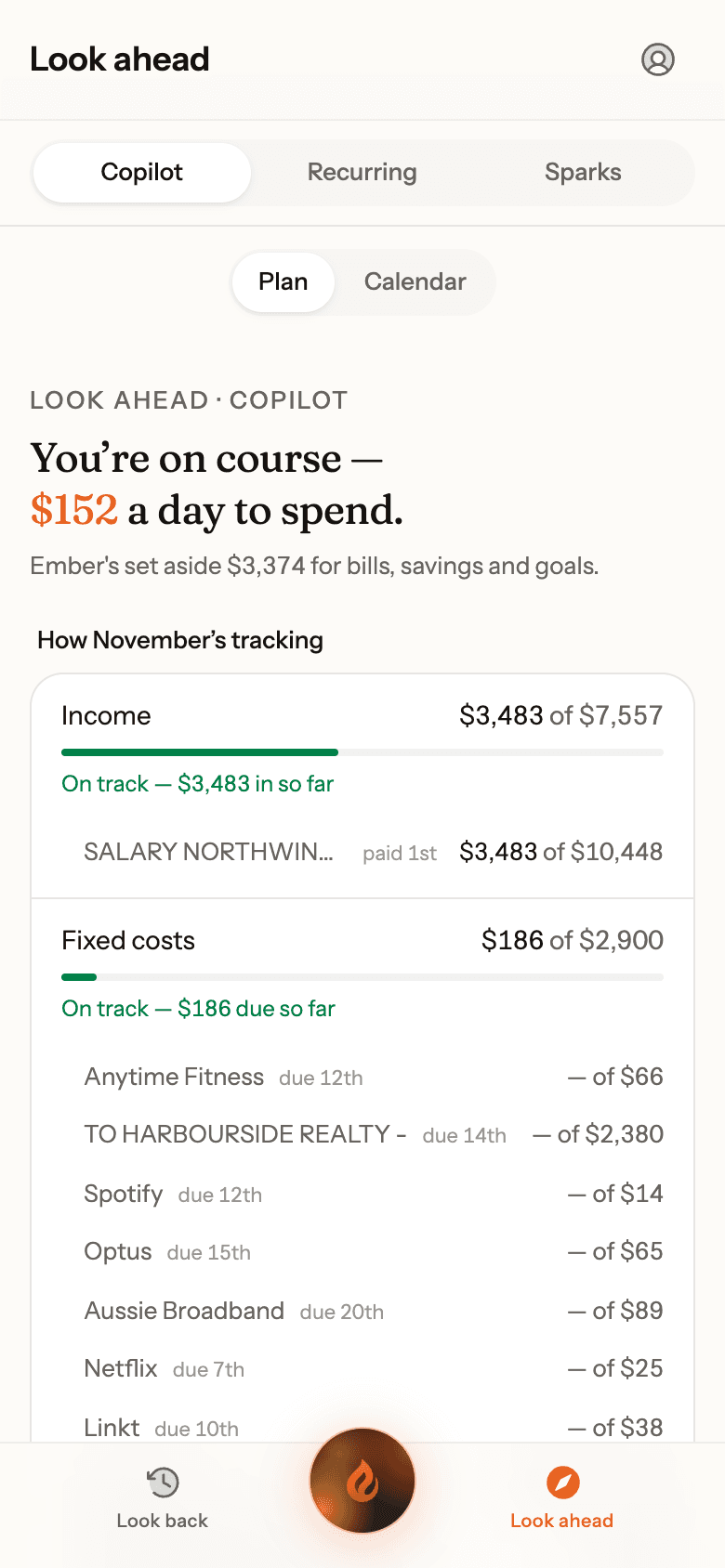
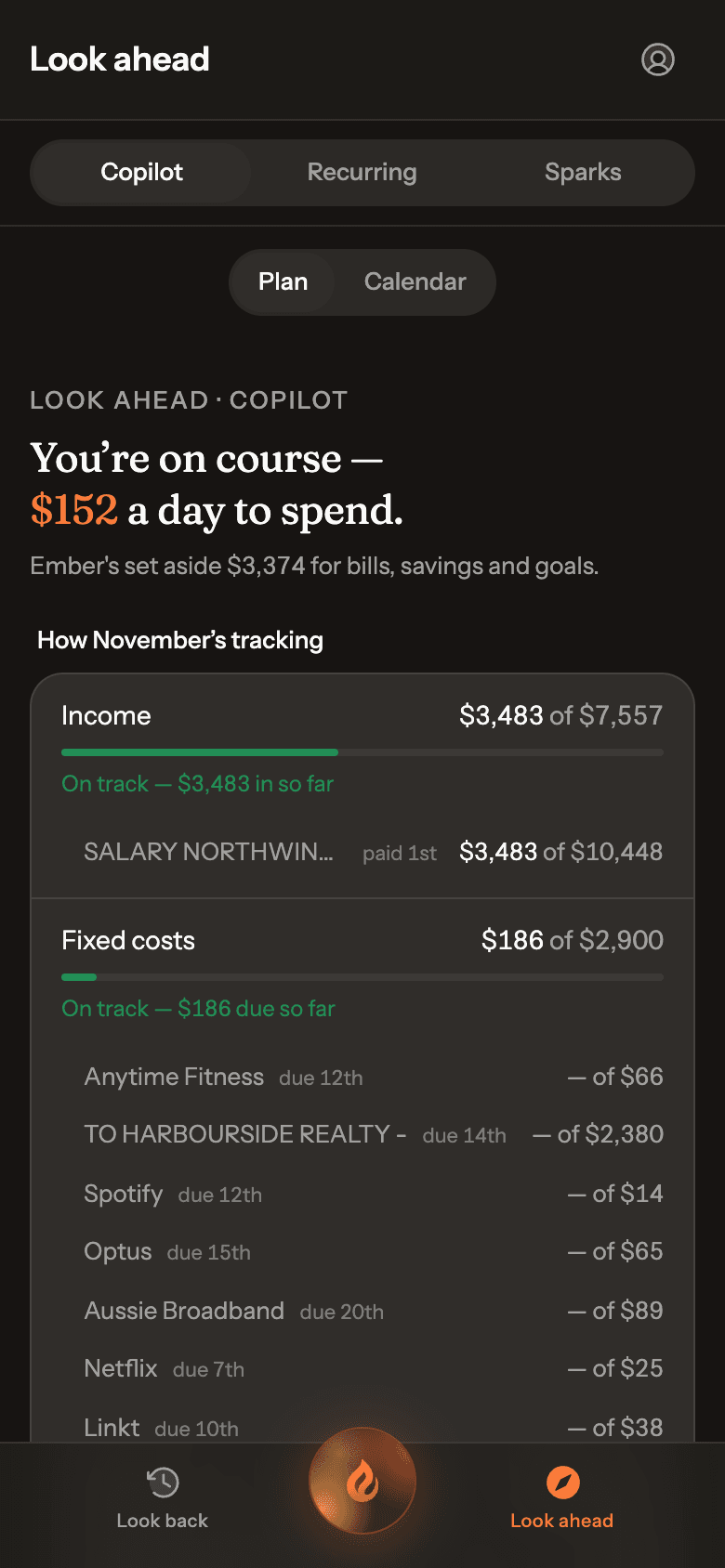
The Copilot tab shows how the month is tracking line by line, ending in Yours to spend per day. Tap any line to talk it through with Ember. Changes only happen when you confirm them.
Real Ember screen · sample household