Guide · 5 steps
Ask Ember about your money
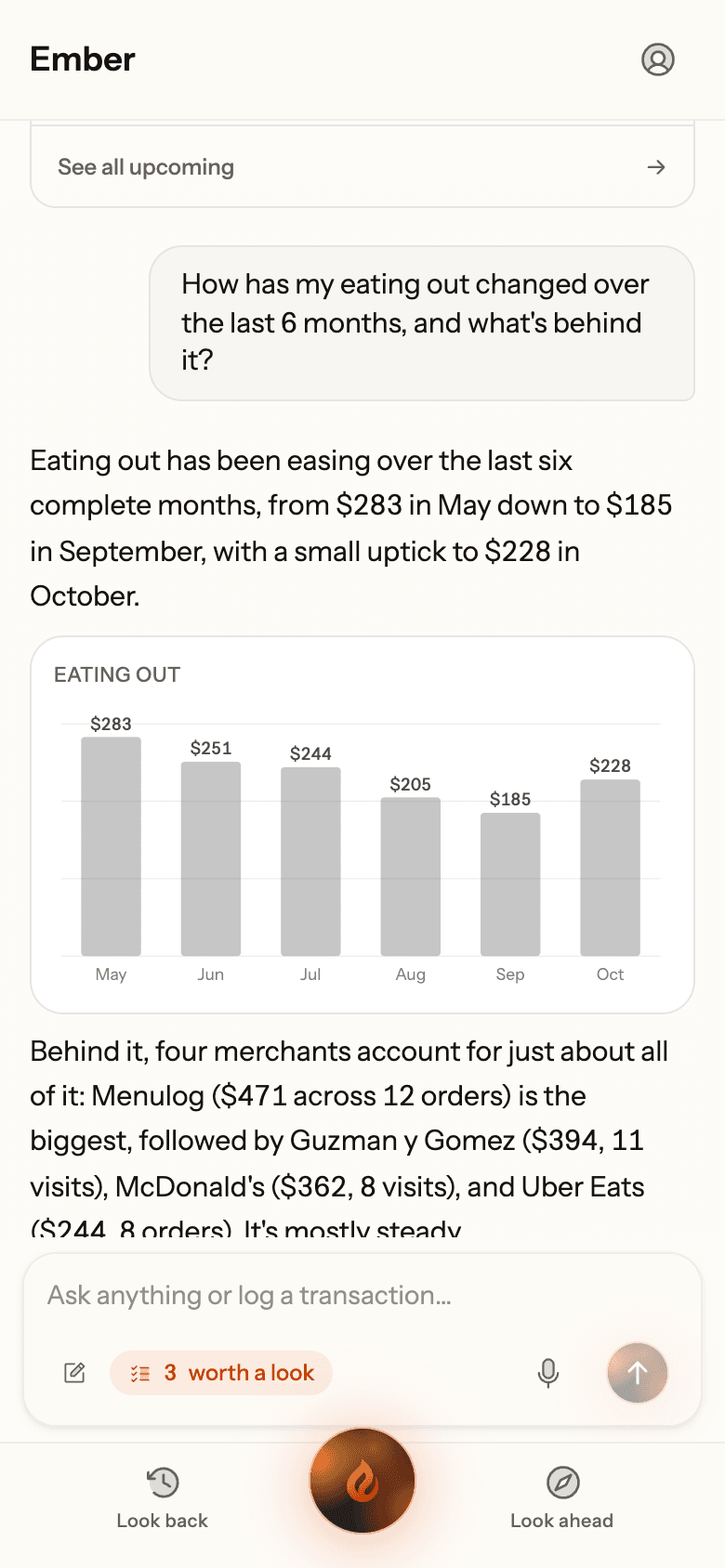
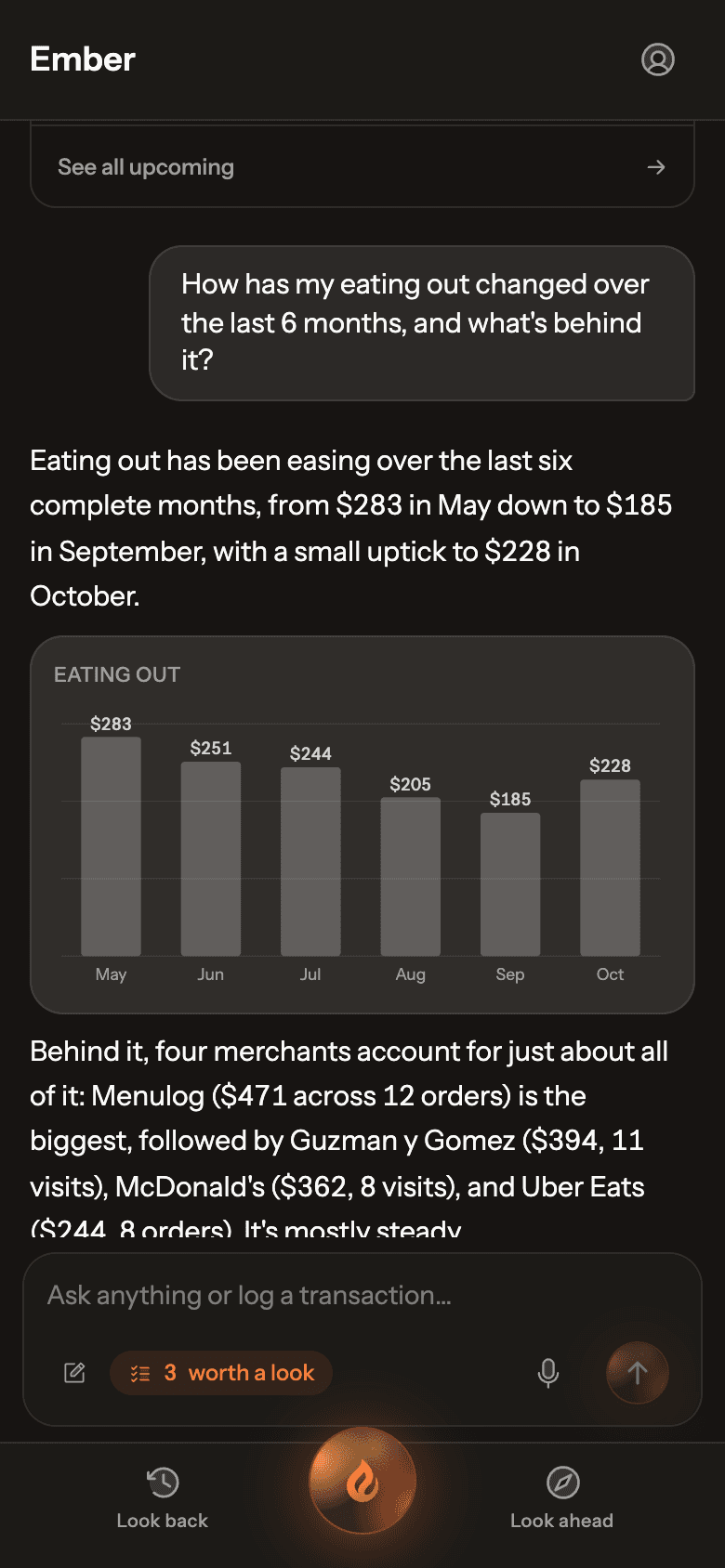
Ember AI lives on Home. Ask it anything about your own money and it answers from your data, with charts and tables where they help.
Step 1: Ask a question
Tap the orb in the middle of the bottom bar to go Home, then type in Ask anything or log a transaction…. Not sure where to start? The Try asking suggestions fill in the box for you.
Real Ember screen · sample household Step 2: Keep the conversation going
Ask follow-ups the way you would a person: “What’s behind that?”, “Compare it with last year.”
Step 3: Confirm any changes
Ember can log transactions, fix categories, update your plan and more. Changes show as a card first and only happen when you tap to confirm. Many can be undone from the same card.
Step 4: Tell Ember about you
When you tell Ember something worth keeping, it offers a Remember this? card. You can also write about your goals in Settings › Ember AI › About you, which Ember reads at the start of every chat.
Step 5: Start fresh
Tap New chat (the pencil, on a phone) to clear the conversation.