Guide · 3 steps
Add a transaction yourself
Cash, a purchase that hasn’t reached your export yet, or a few things from a statement: there are three quick ways to add them.
Step 1: Tell Ember in chat
On Home, type something like “$14 lunch at Guzman today”, or tap the microphone and say it. Ember shows a card with what it understood. Tap Confirm, or the pencil to change it first.
Step 2: Or type one in
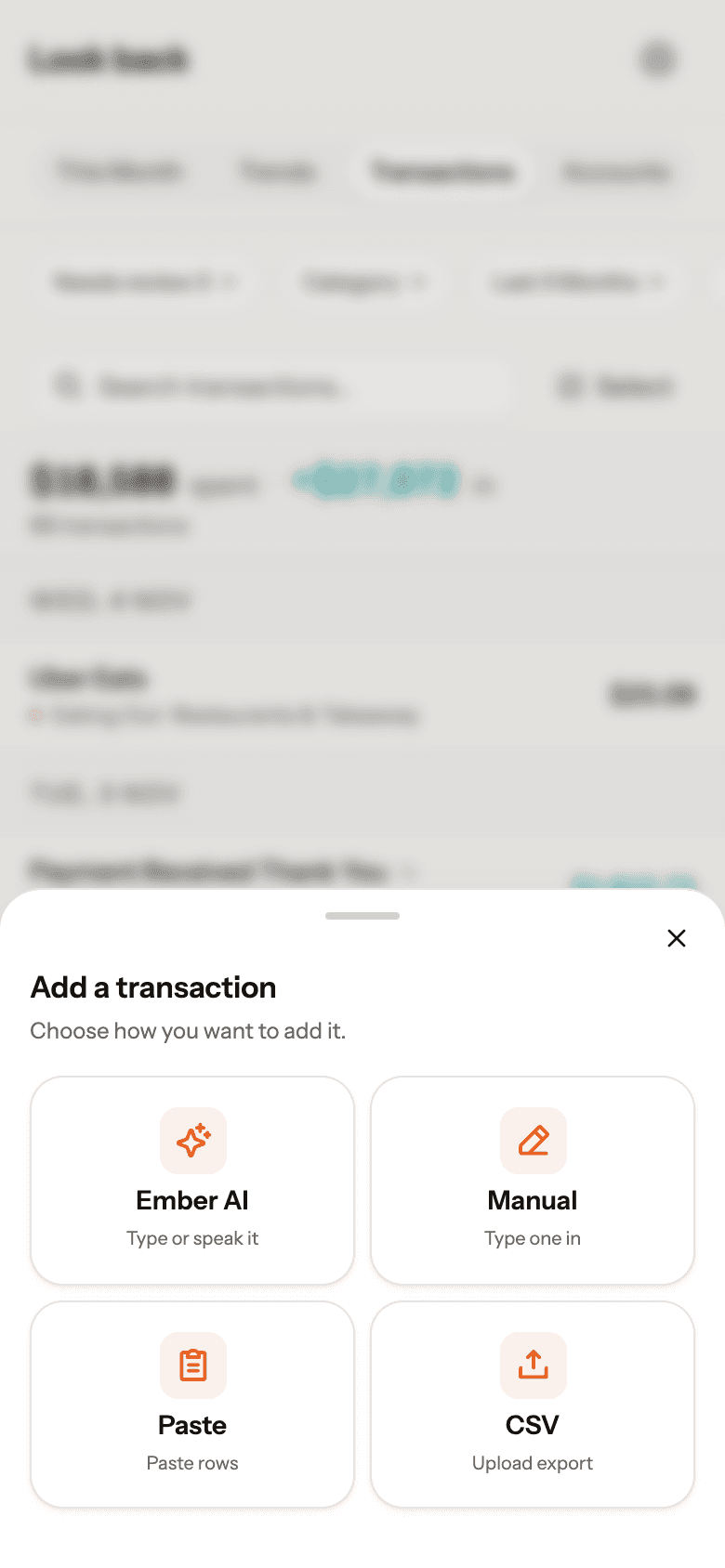
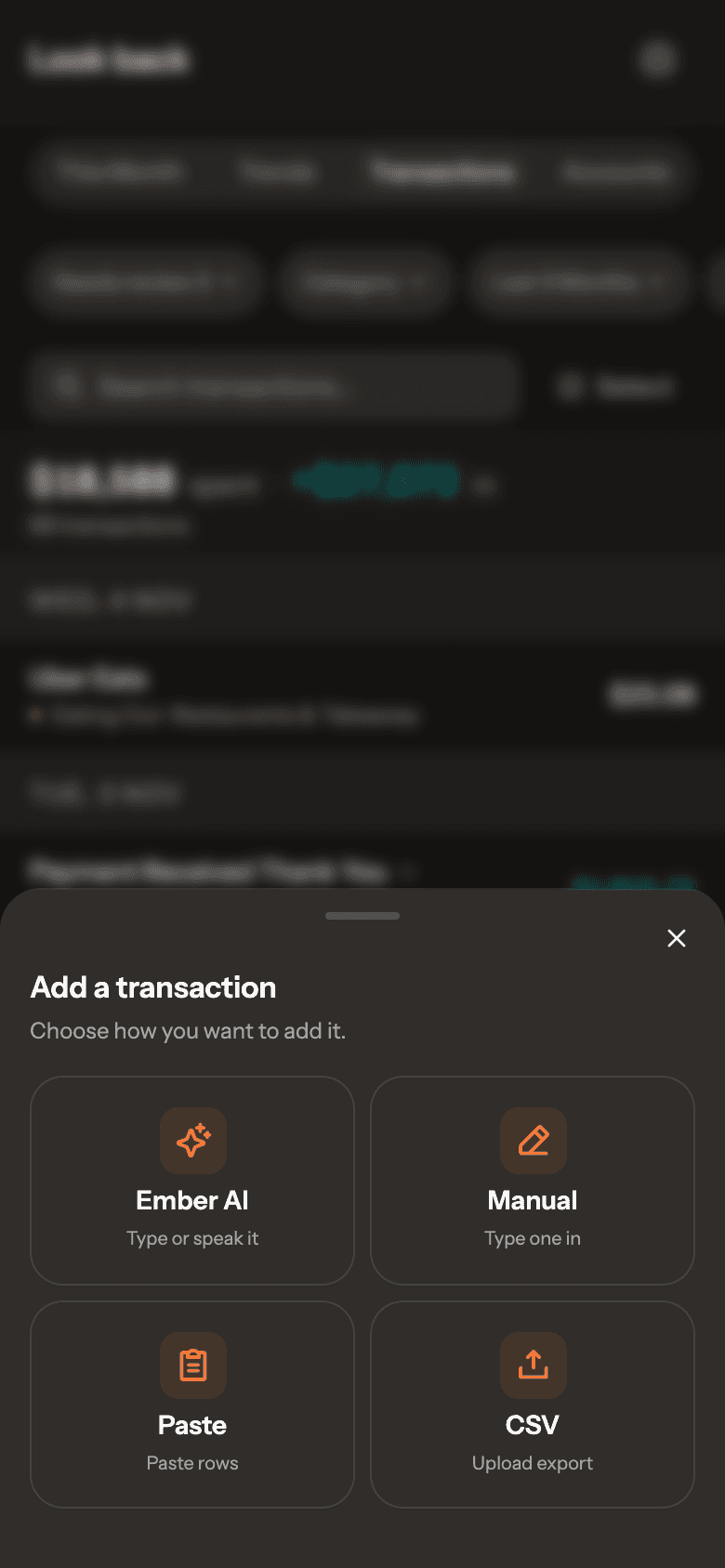
On Look back › Transactions, tap the round + button, then Manual. Enter the amount, choose Expense or Income, then the merchant, date and account. Save + add another keeps the form open.
Real Ember screen · sample household Step 3: Or paste a list
Tap +, then Paste. Put one transaction per line, in any format (“15.50 7-eleven yesterday”, “45 woolies”). Pick the account and tap Quick commit. Lines Ember isn’t sure about wait in Pending review.